
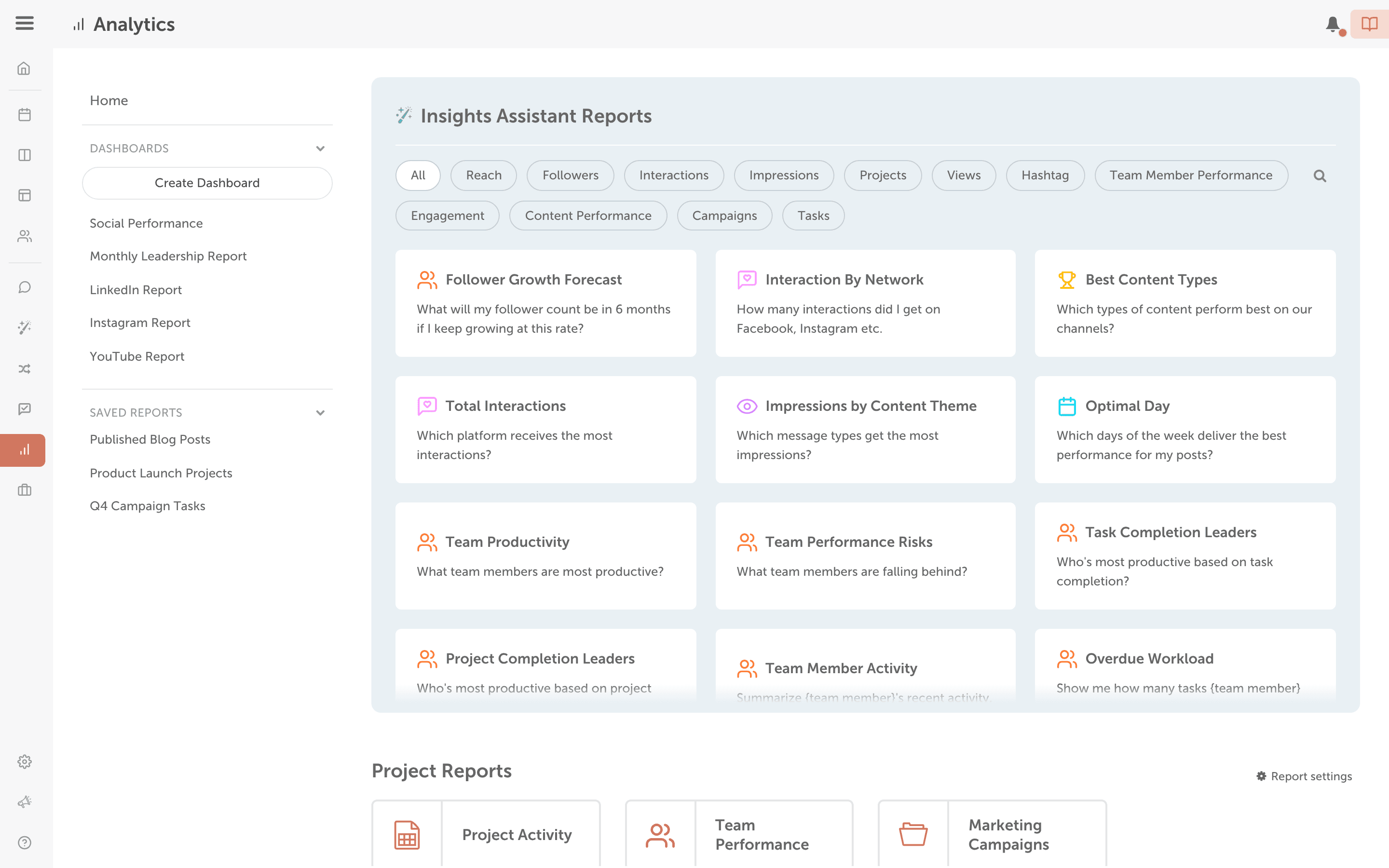
AI Insights can also answer questions about your projects, campaigns, tasks and team. Click a prompt, or ask your own question if your plan includes it, to get status reports, executive summaries, overdue and at-risk work, workload by person and completion predictions. Available on Suite.
Ask about your projects and team
- From your calendar, click Analytics in the sidebar menu.
- Choose Insights Assistant.
- Click a prompt. Category chips above the prompts, starting with All, narrow the list. If your plan includes it, you can instead type your own question in What would you like to know? and click Generate Report.
- Read the answer, then click Back to All Insights to ask something else.
To keep a task report, export it as a CSV. See Export and schedule reports.