
Starter and Professional customers can lower their subscription price by referring new customers to CoSchedule. The referral program isn't available on Suite.
Refer new customers
Every Starter and Professional customer gets a referral link. Each new customer who signs up for a paid account with your link earns you a discount for as long as they keep a paid CoSchedule account.
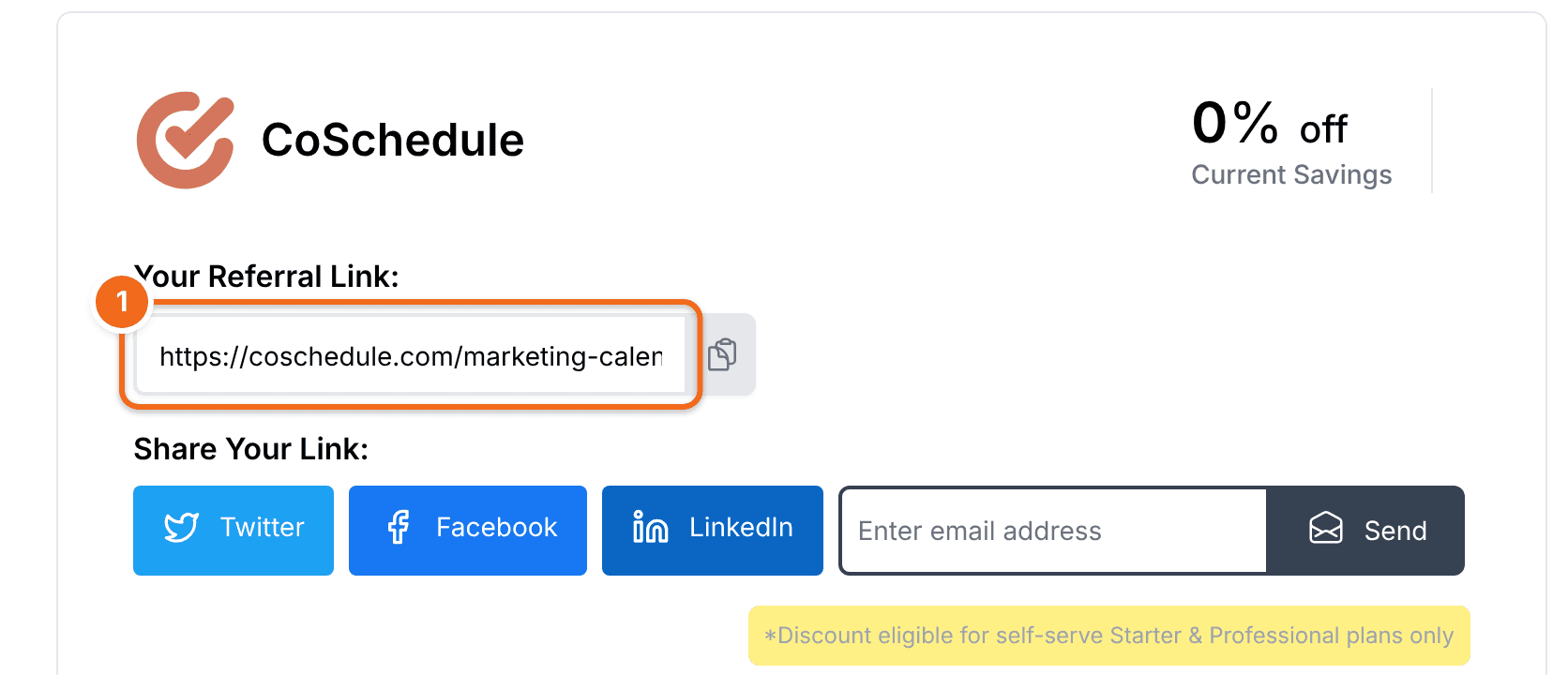
- Go to accounts-billing.coschedule.com/savings.
- Copy your referral link and share it.
You get an email when someone signs up for a paid account with your link, and another if they later stop using CoSchedule. Keep sharing your link: if one referral leaves, the others keep your discount up.
Referral and nonprofit discounts add together. They can't be combined with a promotional price or coupon.
Looking for the review program? The review program has been discontinued. If you have questions about it, contact support.