
Custom permissions let you narrow what a team member can do beyond their role: which tabs they open, which social profiles they use, what they can do in projects and which color labels they work in. Custom permissions are available on Suite; color label access is also on Professional. The Owner, Managers and Admins can change permissions.
Each person starts with the access their role gives them. See Team member roles.
Change a team member's permissions
- From your calendar, open Settings.
- Click the Team Members tab.
- Click the team member.
- Change any of the permissions described below.
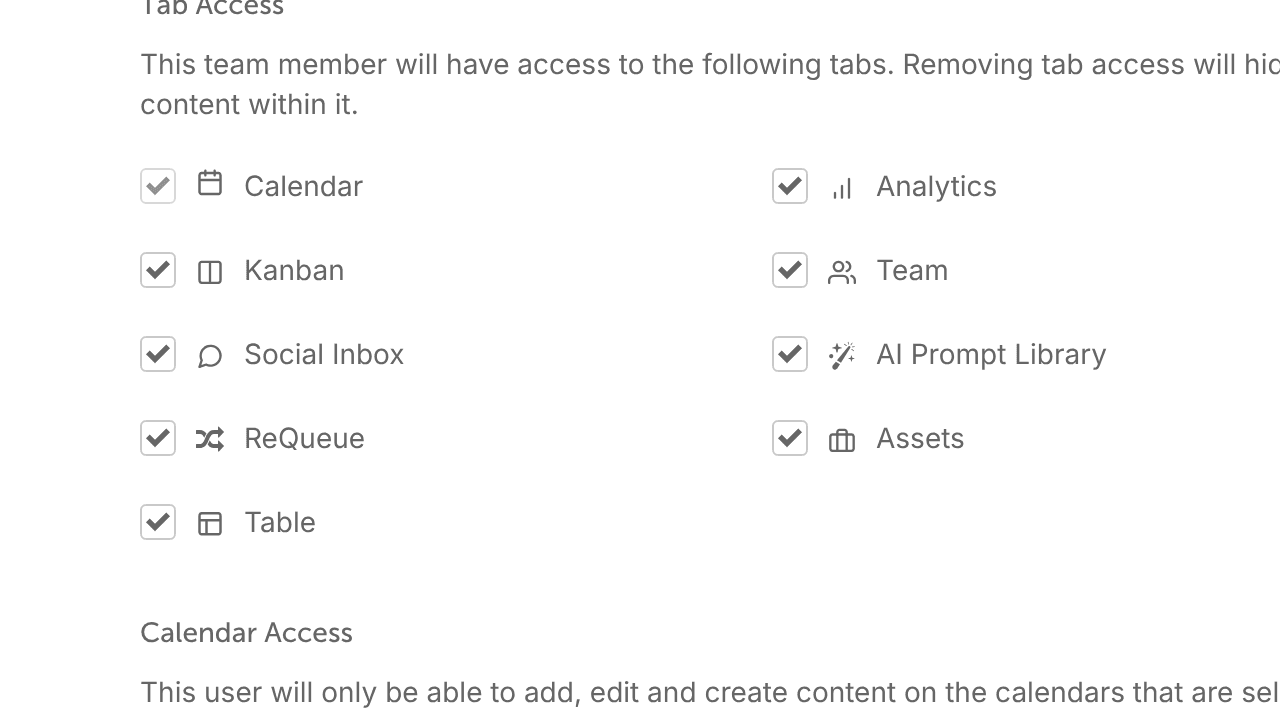
Tab access
Choose which calendar tabs the person can open. Everyone can open the calendar tab.
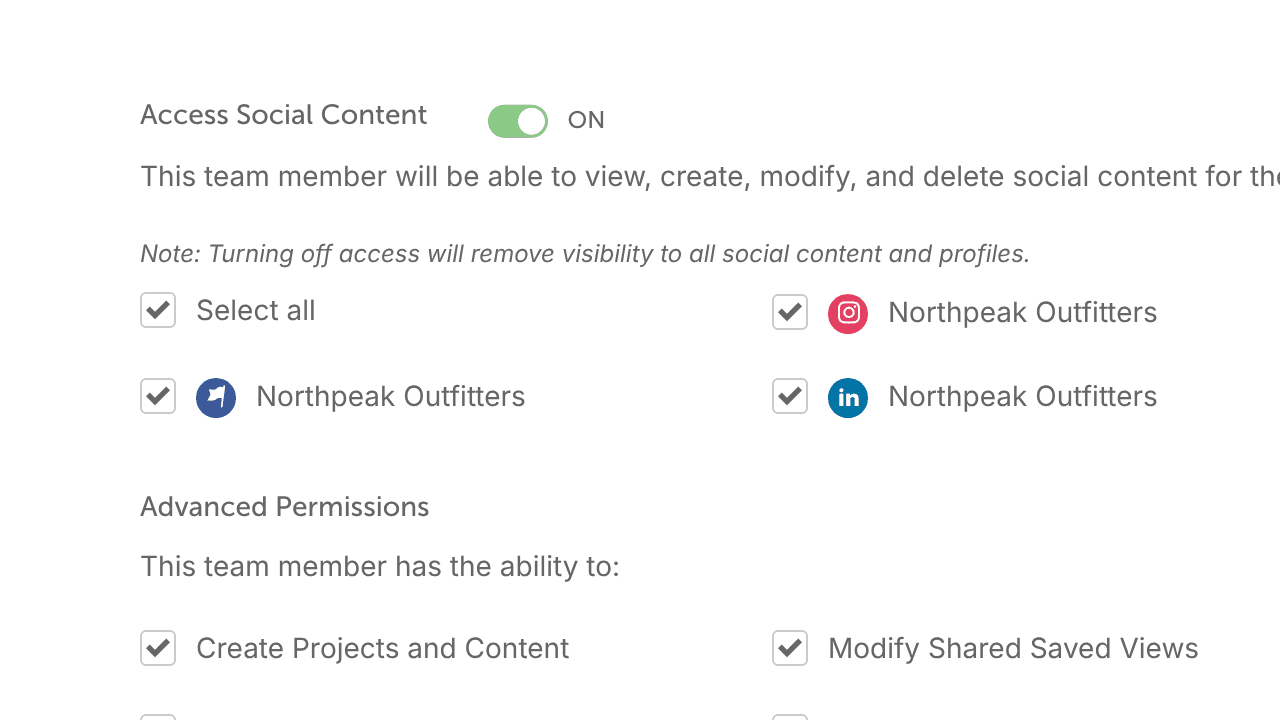
Access Social Content
Turn on Access Social Content and check the social profiles the person can use. They can view, create, edit and delete social content only for the profiles you check.
- Unchecking every profile blocks access to all of them.
- Turning Access Social Content off hides all social profiles and their content from the person.
- Access Social Content is always off for a Guest and can't be turned on.
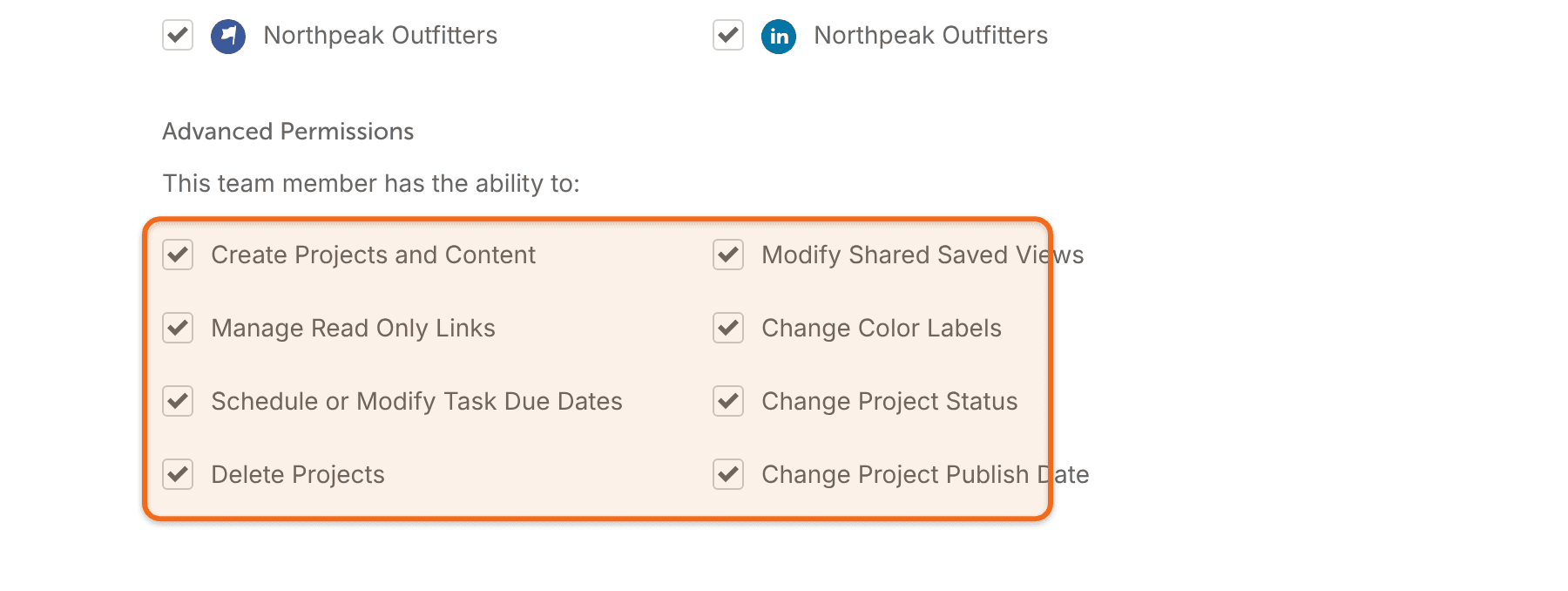
Team Member Advanced Permissions
These add finer controls over what the person can do in projects. They apply to projects only, not to standalone social messages. Some are always off for a Guest and can't be turned on.
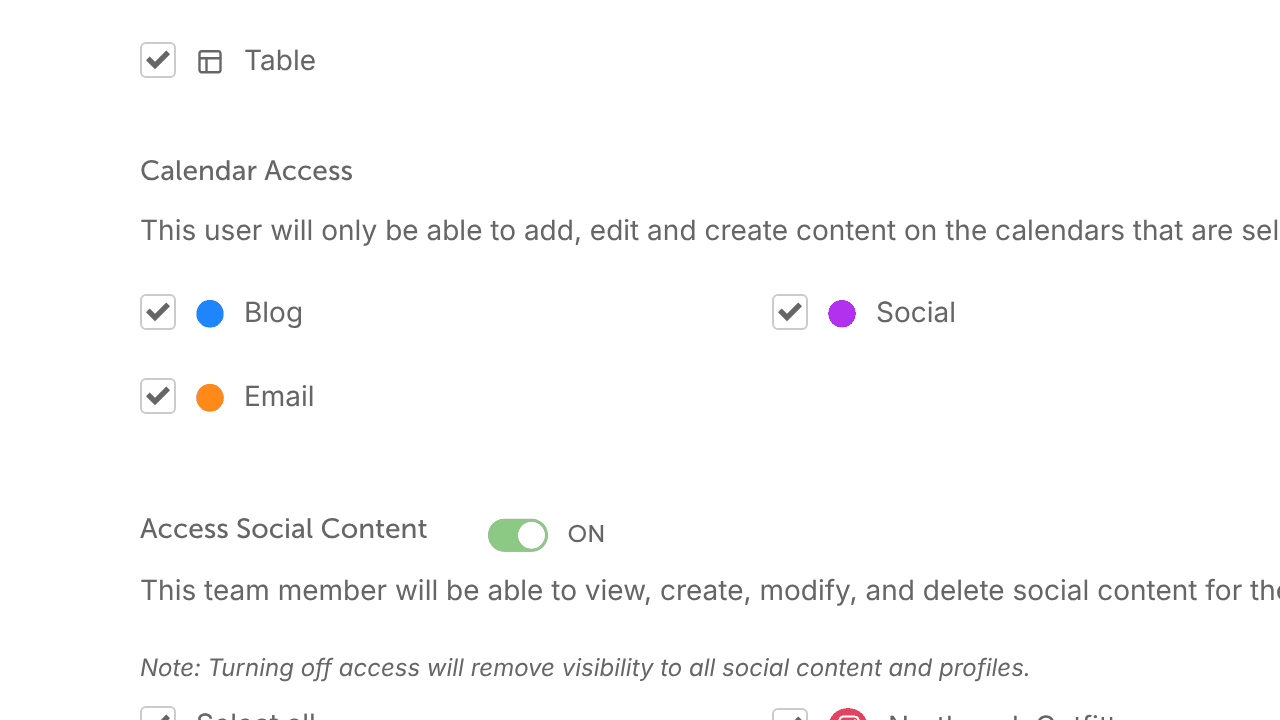
Color Label Access
Choose the color labels the person can add, edit and create content in. Color label access is available on Professional and Suite.
Custom role groups
Put a team member in a custom role group to give them that group's access and permissions.
Frequently asked questions
What if social content is off, but the person can create projects and change publish dates?
They can publish projects that include social messages for profiles they can't access. Give anyone who publishes access to every social profile.
What if Access Social Content is on, but every social profile is unchecked?
The person can't use any of those profiles. Profiles you connect later are turned on for them automatically.
If Access Social Content is off, can the person still see social campaigns?
They can still see social campaign projects on the calendar. They can't see social campaigns attached to a project.
If project permissions are off, can the person still schedule standalone social messages?
Yes. Project permissions don't cover standalone social messages. To limit those, use Access Social Content.