
Suite plans are set up with CoSchedule's sales team under an agreement. You change them through your account team, not from the Billing page.
Check whether you're on a contract plan
- From your calendar, open Settings.
- Click Billing.
- Look at your subscription. A contract plan shows "Contact support to manage your plan" instead of the cancel option.
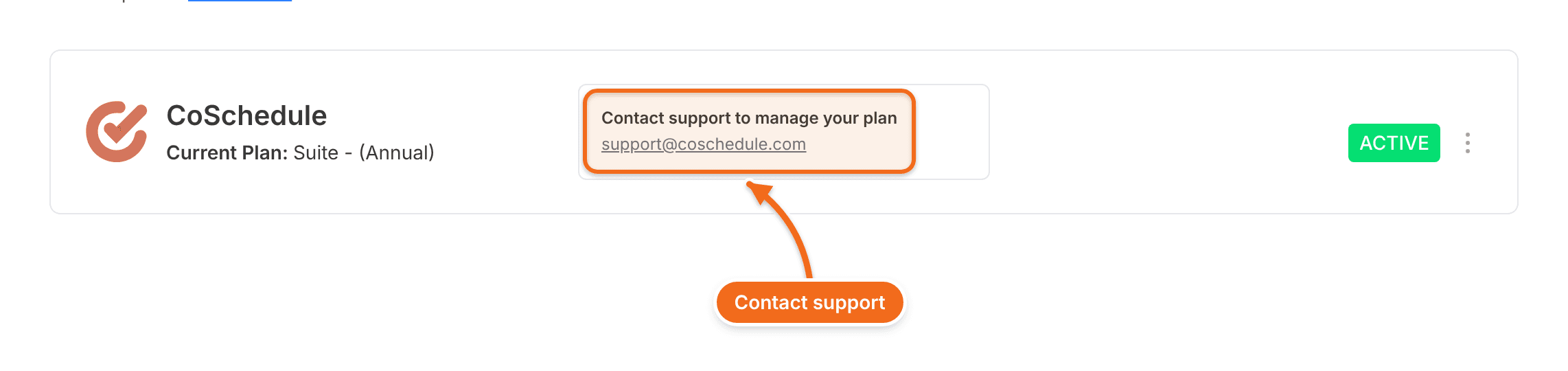
Who to contact
- If your Billing page shows a Customer Success Manager, contact them.
- Otherwise, contact support by live chat or email. See Contact support and find CoSchedule policies.
The account Owner or a Manager should make the request. Contact your account team to add or remove seats or social profiles, change your plan, or stop it from renewing.
Your term and renewal
Suite plans have a minimum term of 12 months. Longer terms and renewal terms are set in your agreement.
To change your plan at renewal or stop it from renewing, contact your account team before the renewal date in your agreement.
For refunds, see Cancellation and refund policy.