
Best Time Scheduling picks a publish time on the day you choose, based on the network and what else you have scheduled that day. Available on Starter, Professional and Suite.
How Best Time Scheduling works
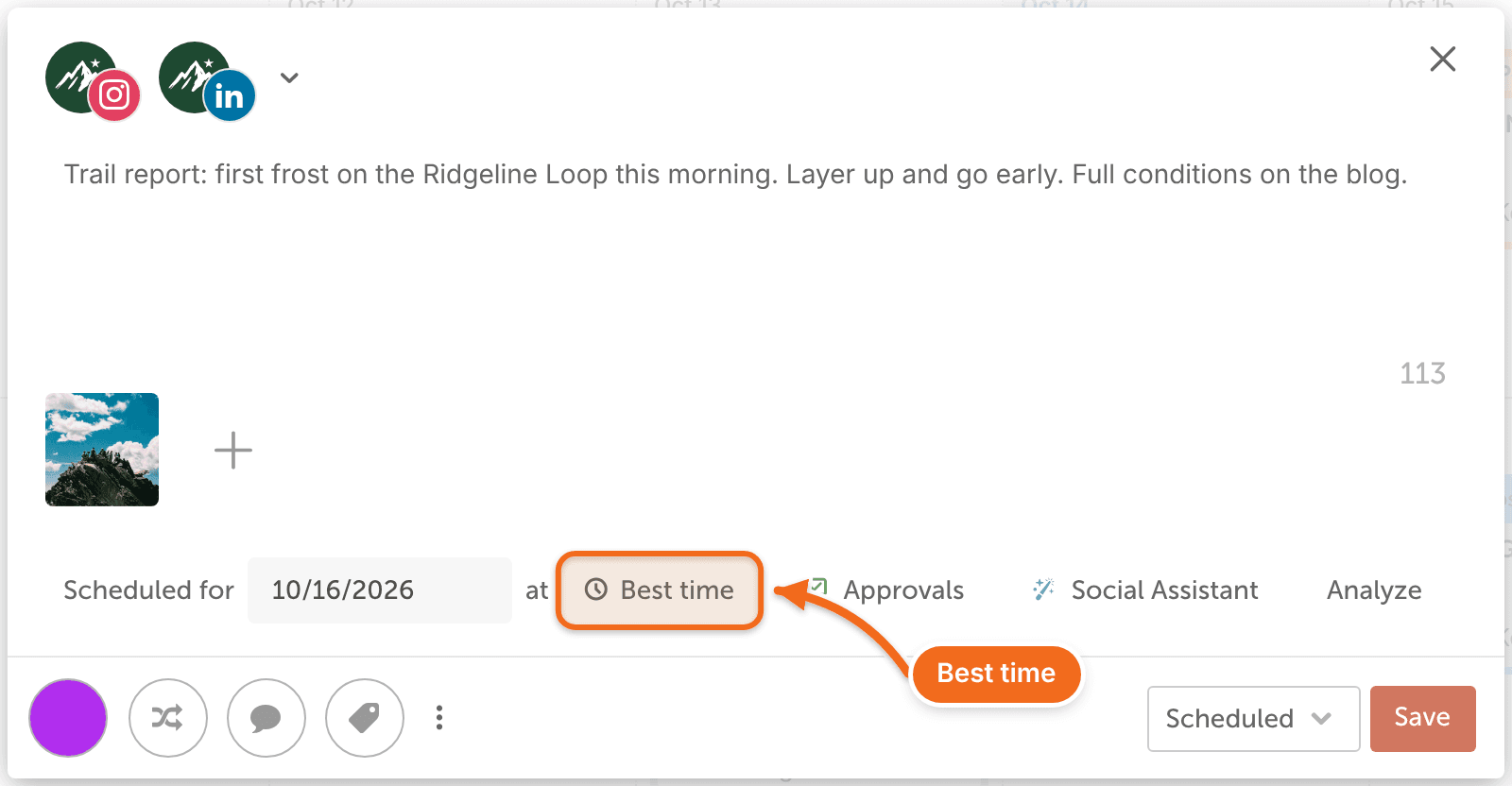
- It's the default time option for every new social message.
- It picks a time from social media best practices for each network and research by CoSchedule's marketing team. It doesn't use your own analytics or traffic history.
- It keeps checking scheduled times as you add messages, and spaces messages out so they don't land too close together.
- It never changes the day you chose, and it never moves messages set to a custom time.
- It uses your calendar's timezone.
Choose a timeframe
- Create or open a social message.
- Click Best time.
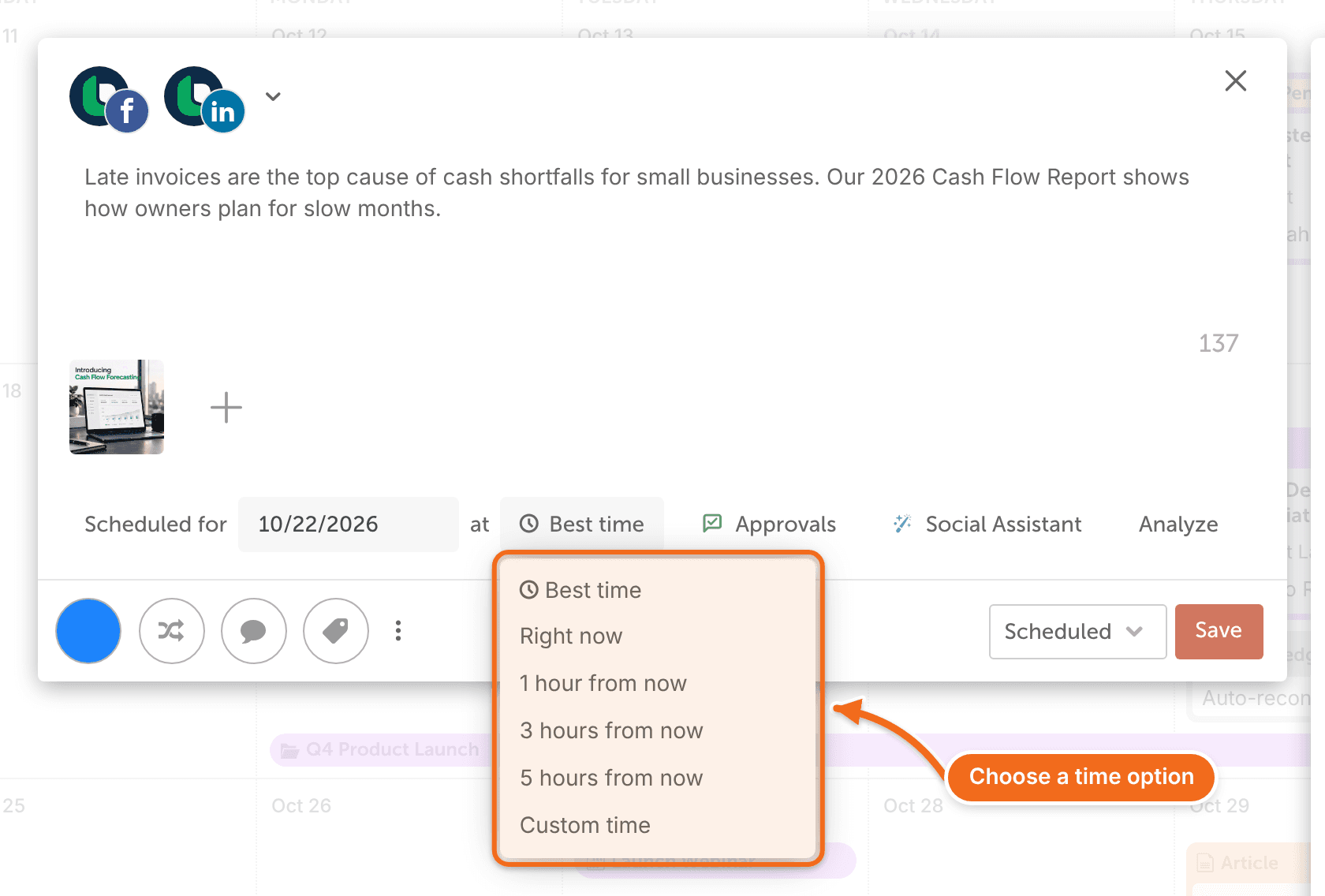
- Choose a timeframe from the drop-down menu.
Find best-time messages on the calendar
Messages that use Best Time Scheduling show a clock icon on the calendar.
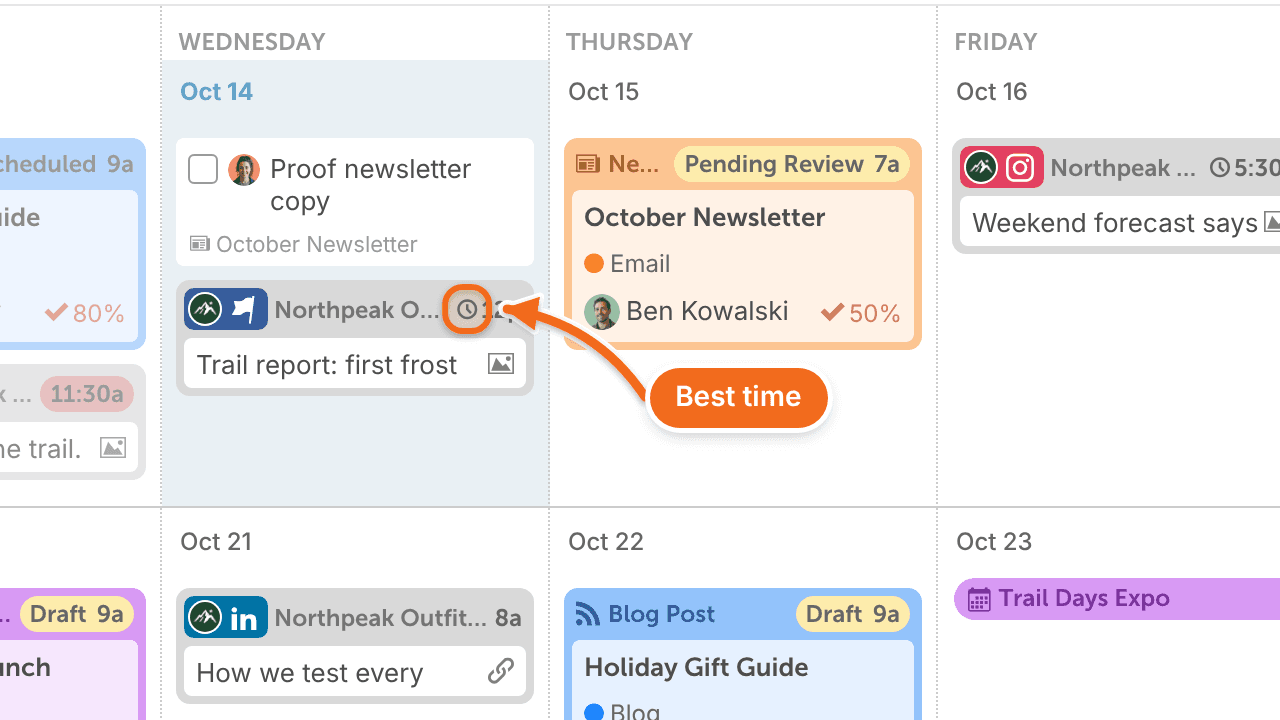
If you drag a best-time message to a new spot, other best-time messages that day may shift so they aren't too close together. Messages with a custom time stay where they are.
Frequently asked questions
Can I set my own time instead?
Yes. Open the message and set a time in at. CoSchedule won't move a message with a custom time.
Can I change the default so new messages don't use Best time?
No. Best time is always the default. If you post the same kinds of messages at set times, save them as a social template with those times. See Create and use social templates.
Can it choose the best day too?
No. It only picks a time on the day you schedule. To spread related messages across several days, schedule them in a social campaign.
How does my timezone affect it?
Best Time Scheduling uses your calendar's timezone, so it works best when most of your audience is in that timezone. If your audience is spread out, choose a timeframe to narrow the time. You can't set a different timezone for each audience.