
Assets keeps your team's files in folders, including a folder of files for every project on your calendar. Find files by browsing, searching or filtering, and preview them without leaving CoSchedule. Available on Suite.
Open Assets
- Click Assets in the left sidebar, or open the view switcher in the top bar and choose Assets.
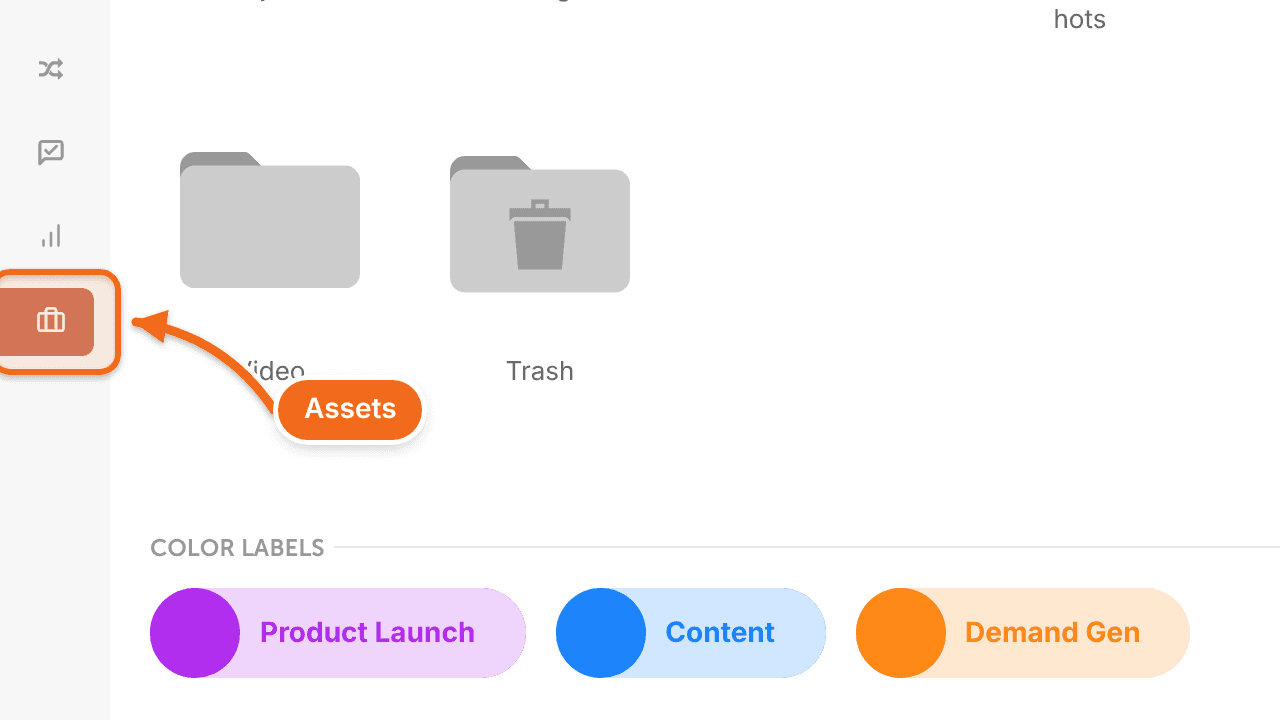
Assets opens with two default folders, Projects and Trash, plus any folders your team has created.
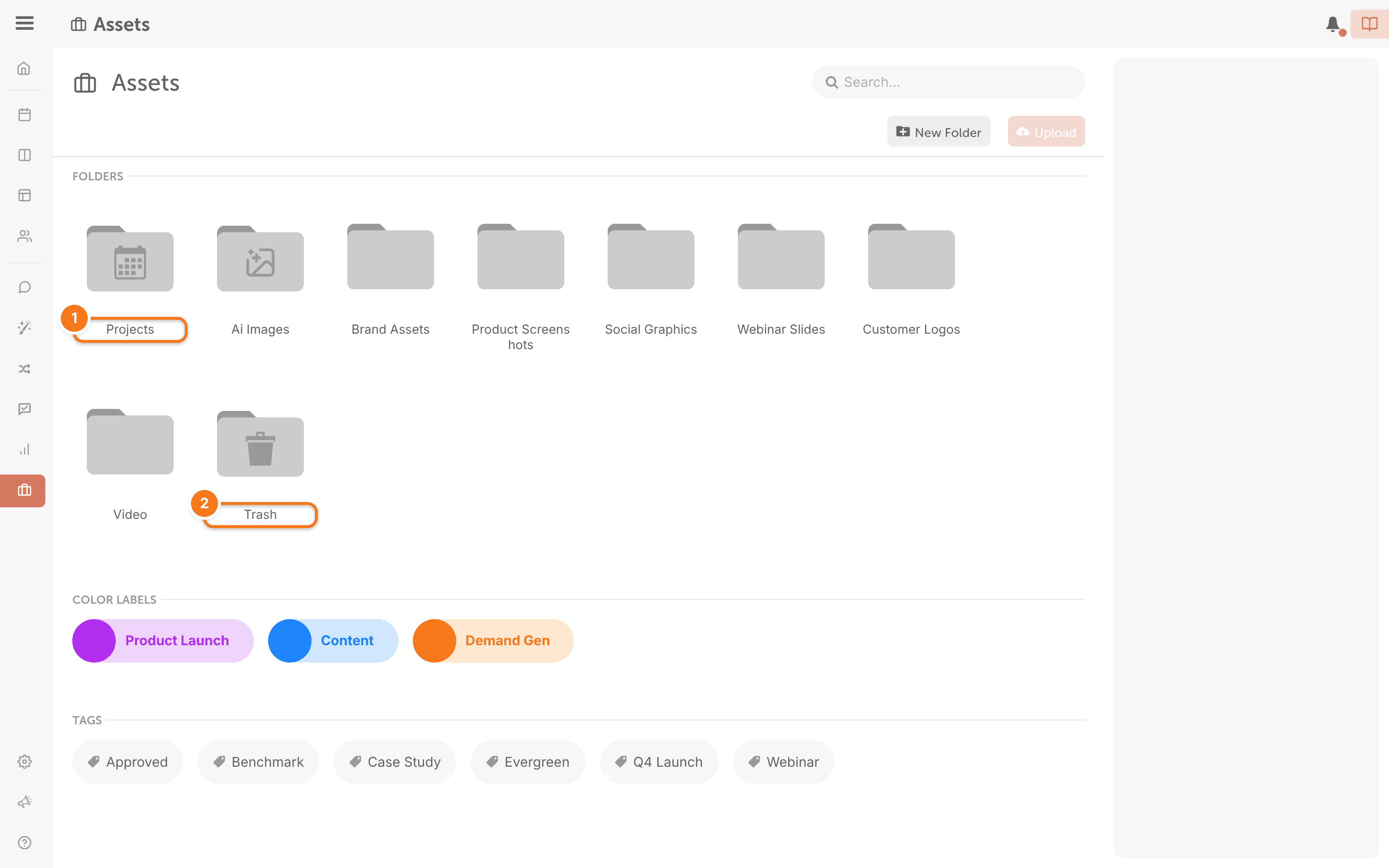
Find a project's files
The Projects folder holds a folder for every project on your calendar.
- Open the Projects folder.
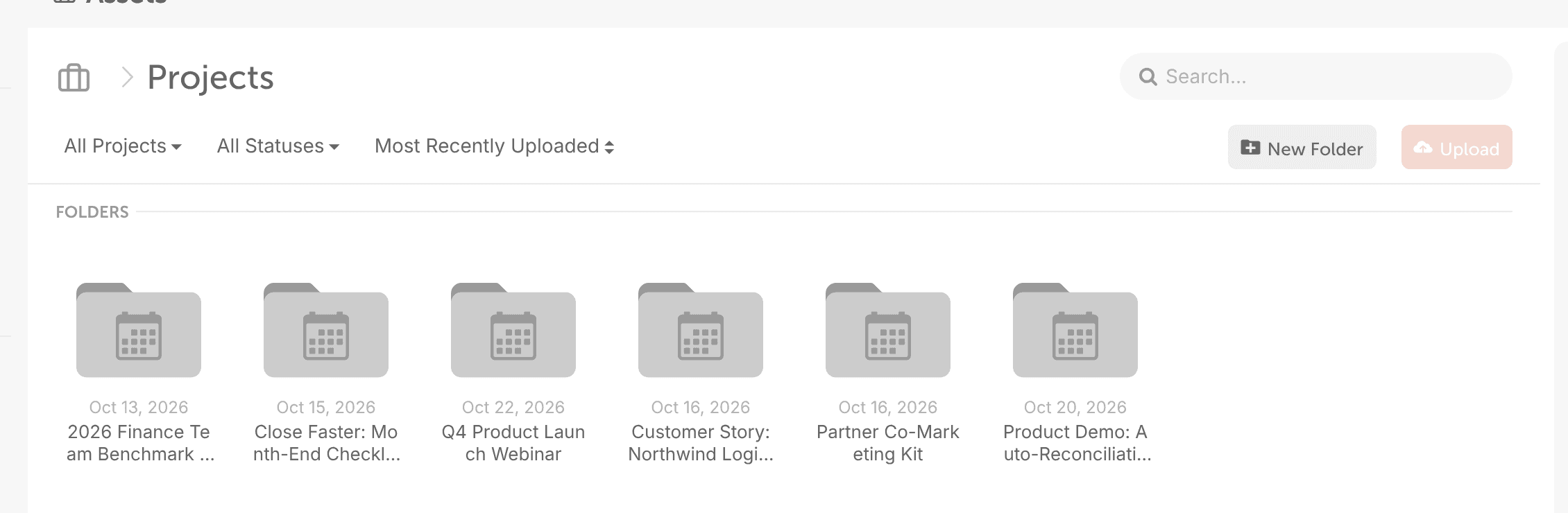
- Double-click a project to see the files added to it.
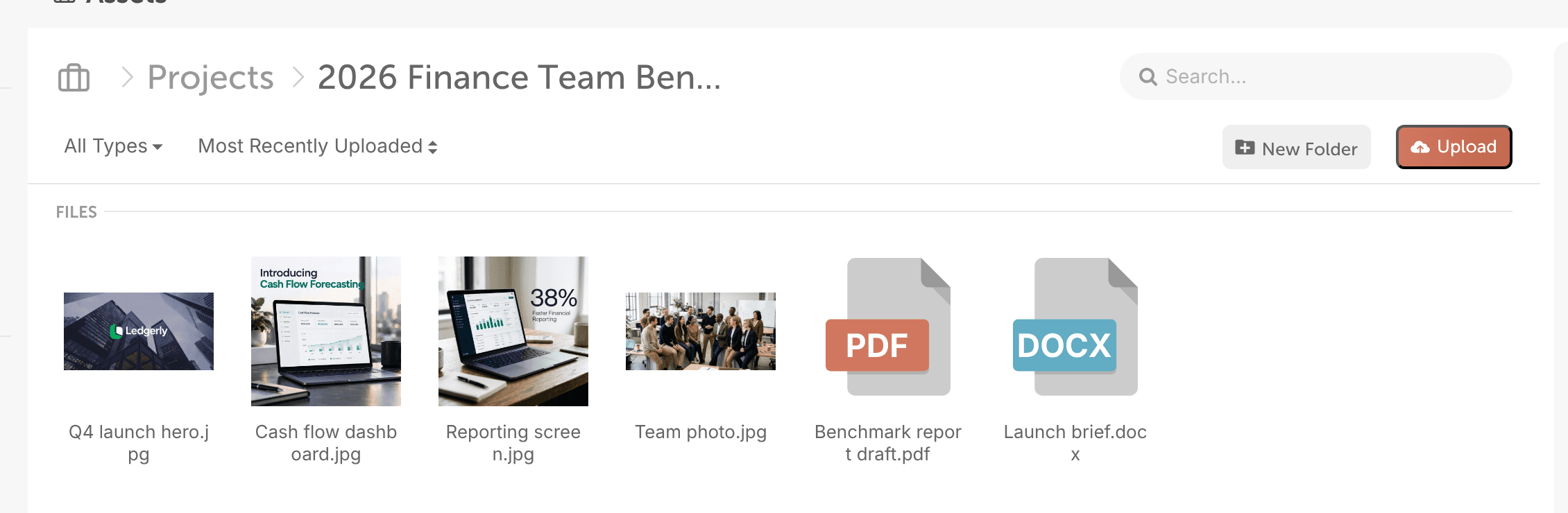
Inside a project folder, you can preview, upload or delete the project's files.
Search for files and folders
- Type the name of a file or folder in the search field.
- Press Enter. Every item with that name shows in the results.
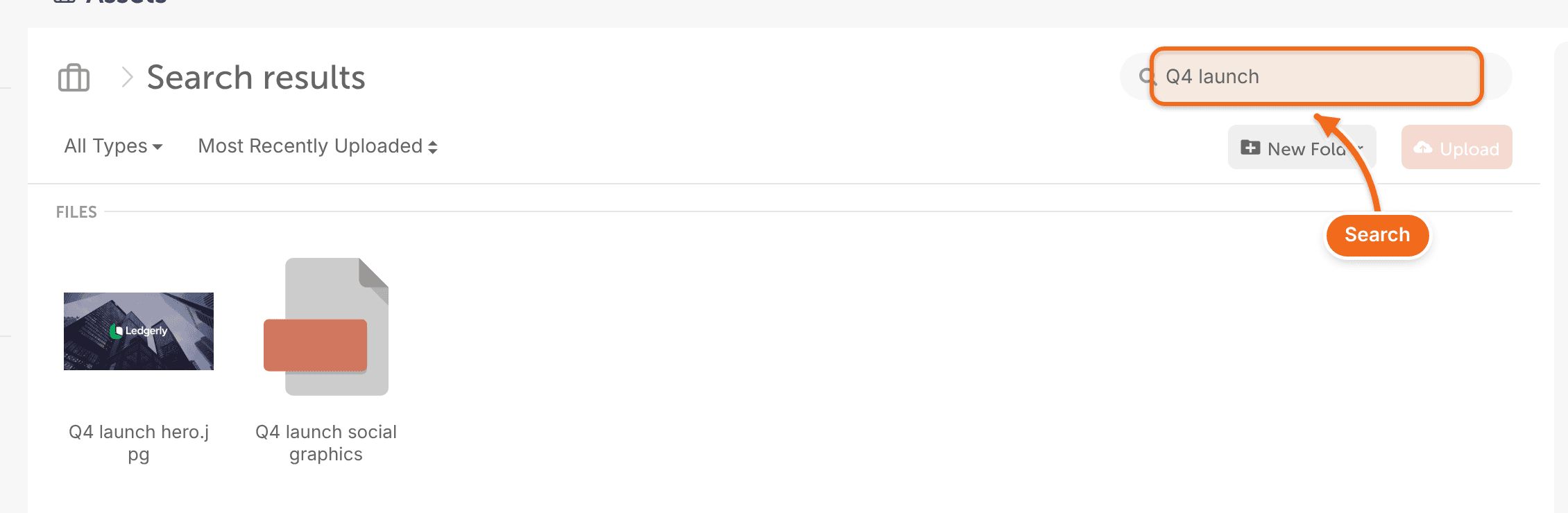
When you're inside a folder, the folder appears in the search field, so the search stays within that folder. To search all of Assets, remove the folder from the search field.
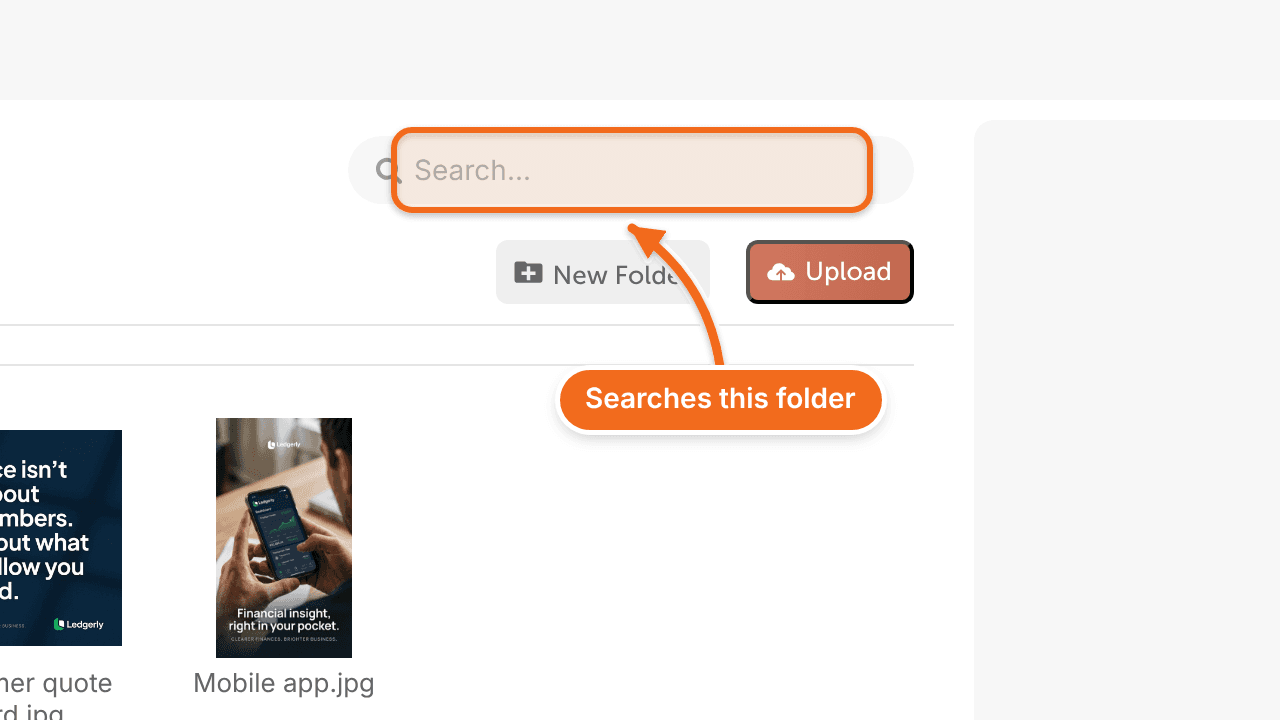
Use filters to narrow your search results.
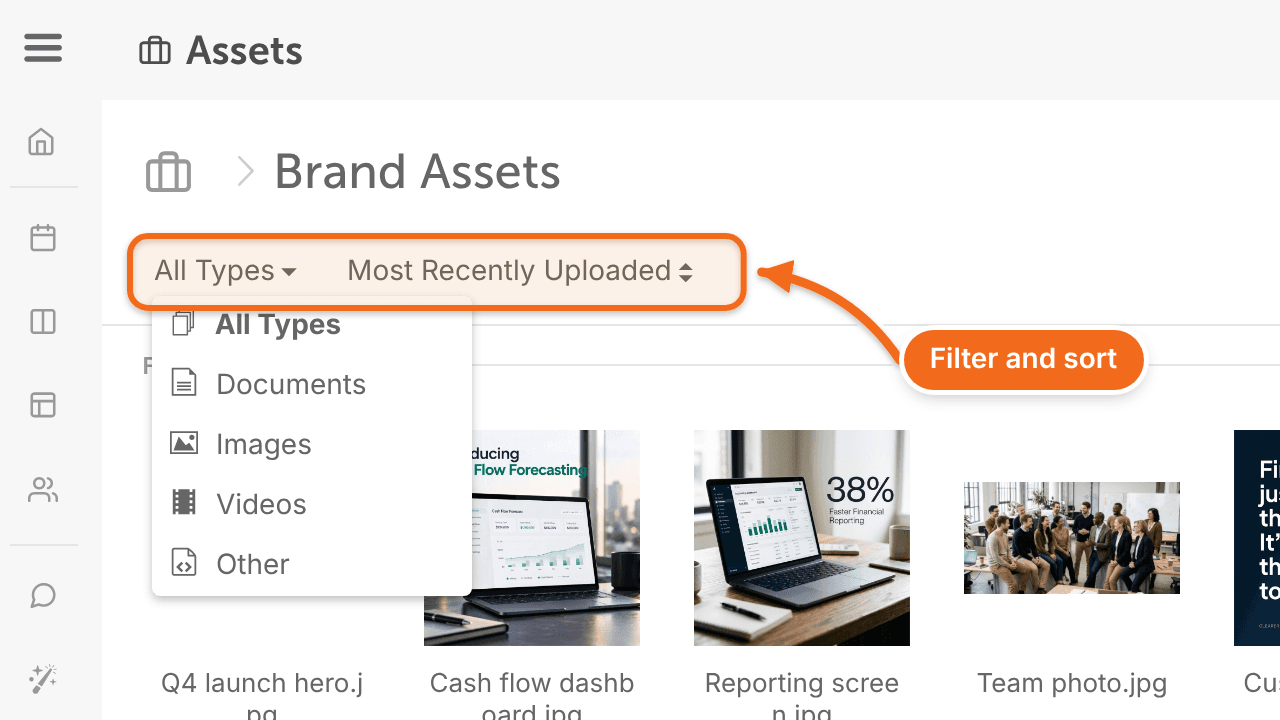
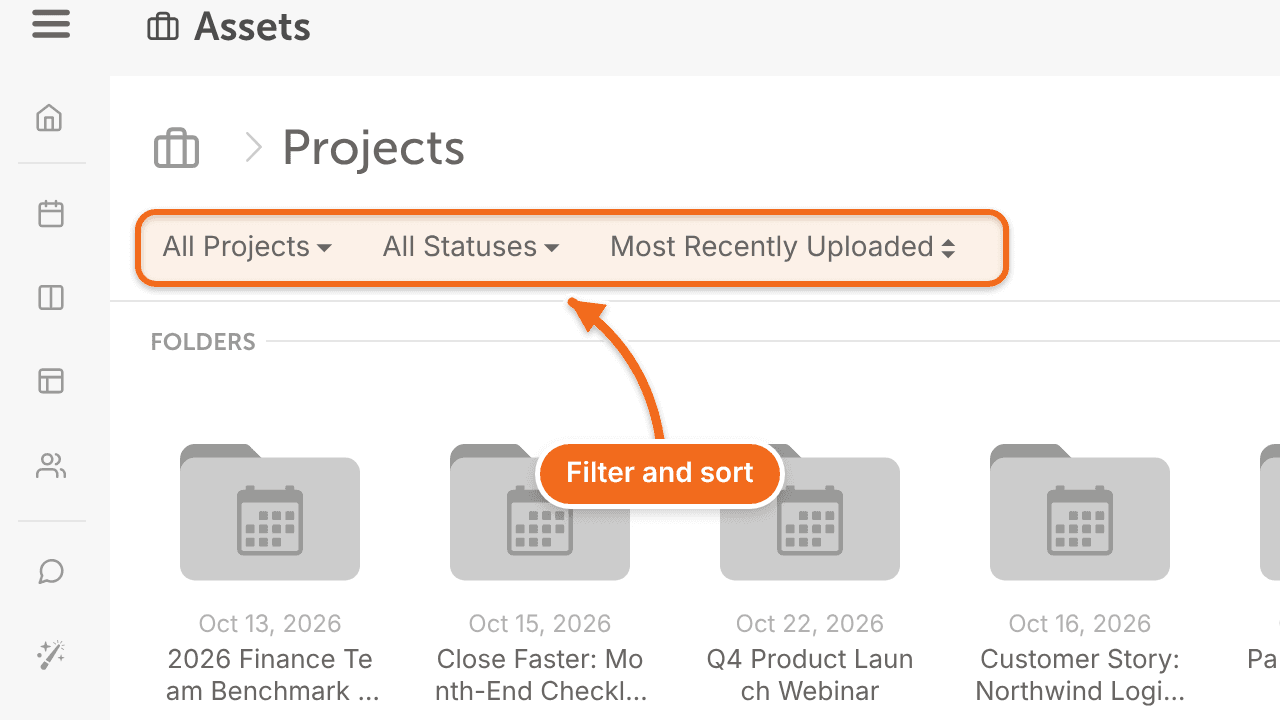
Filter and sort files
At the top of the Projects folder, you can filter projects by:
- Project Type
- Status
- Color Label
- Tag
You can also sort projects by creation date or file name.
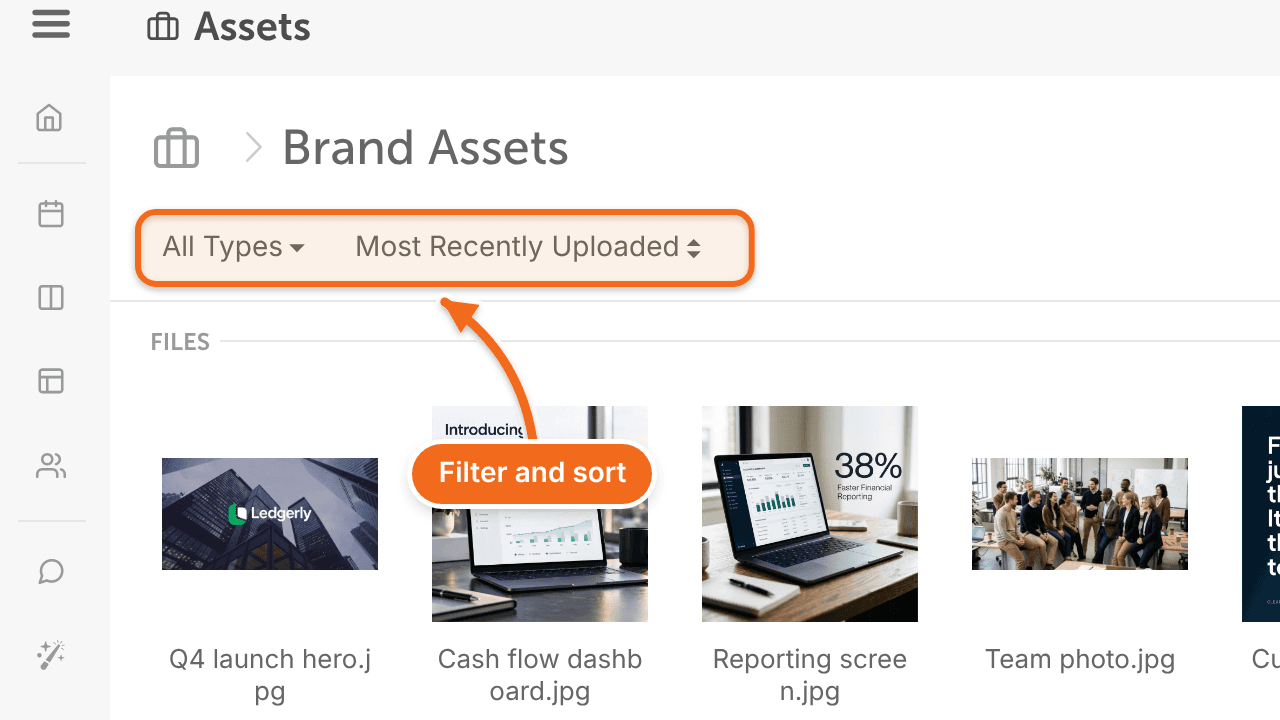
Inside project folders and your own folders, you can filter by file type and sort by creation date or file name.
Preview a file
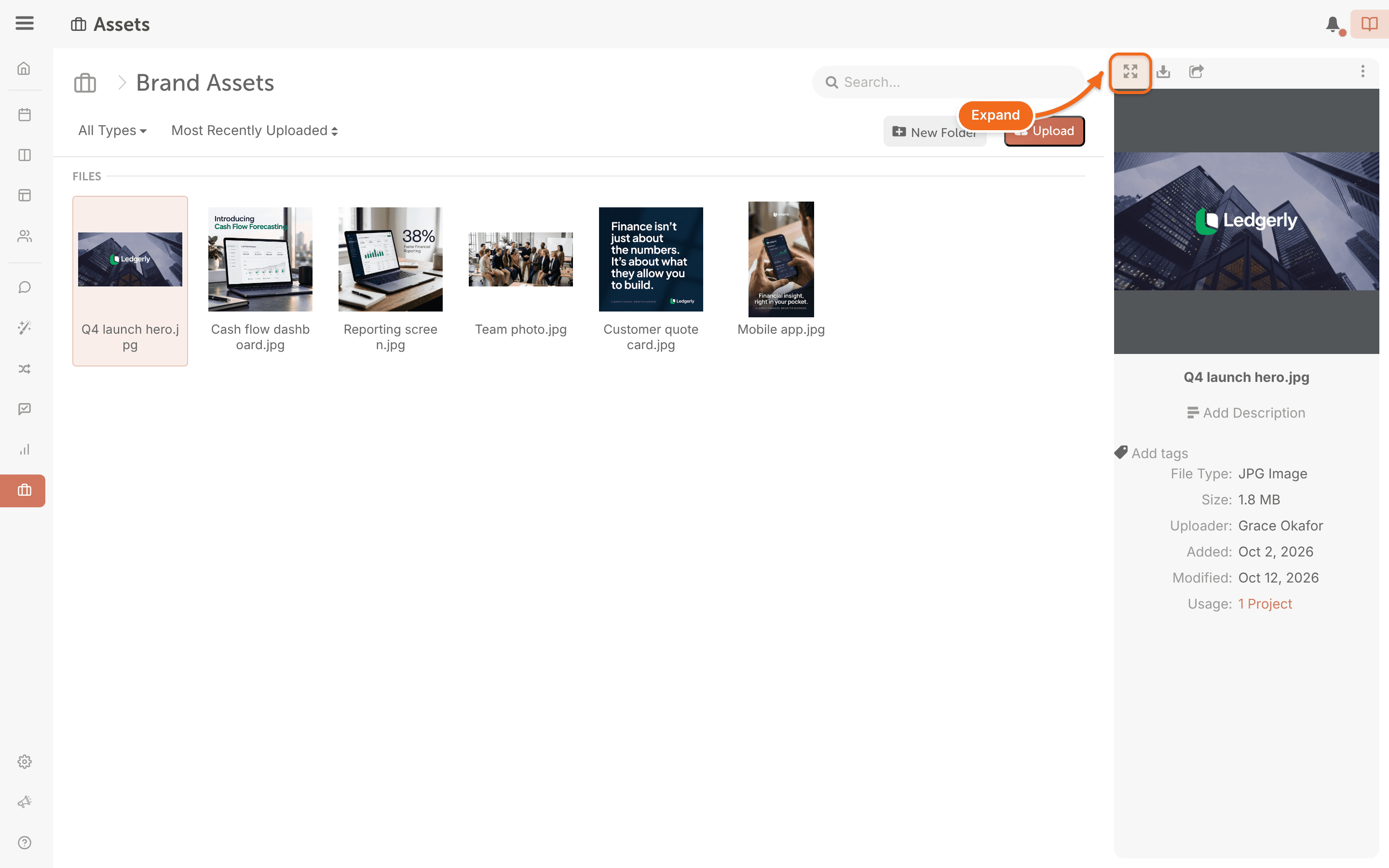
- Double-click the file, or click the expand button. The file opens in preview mode.
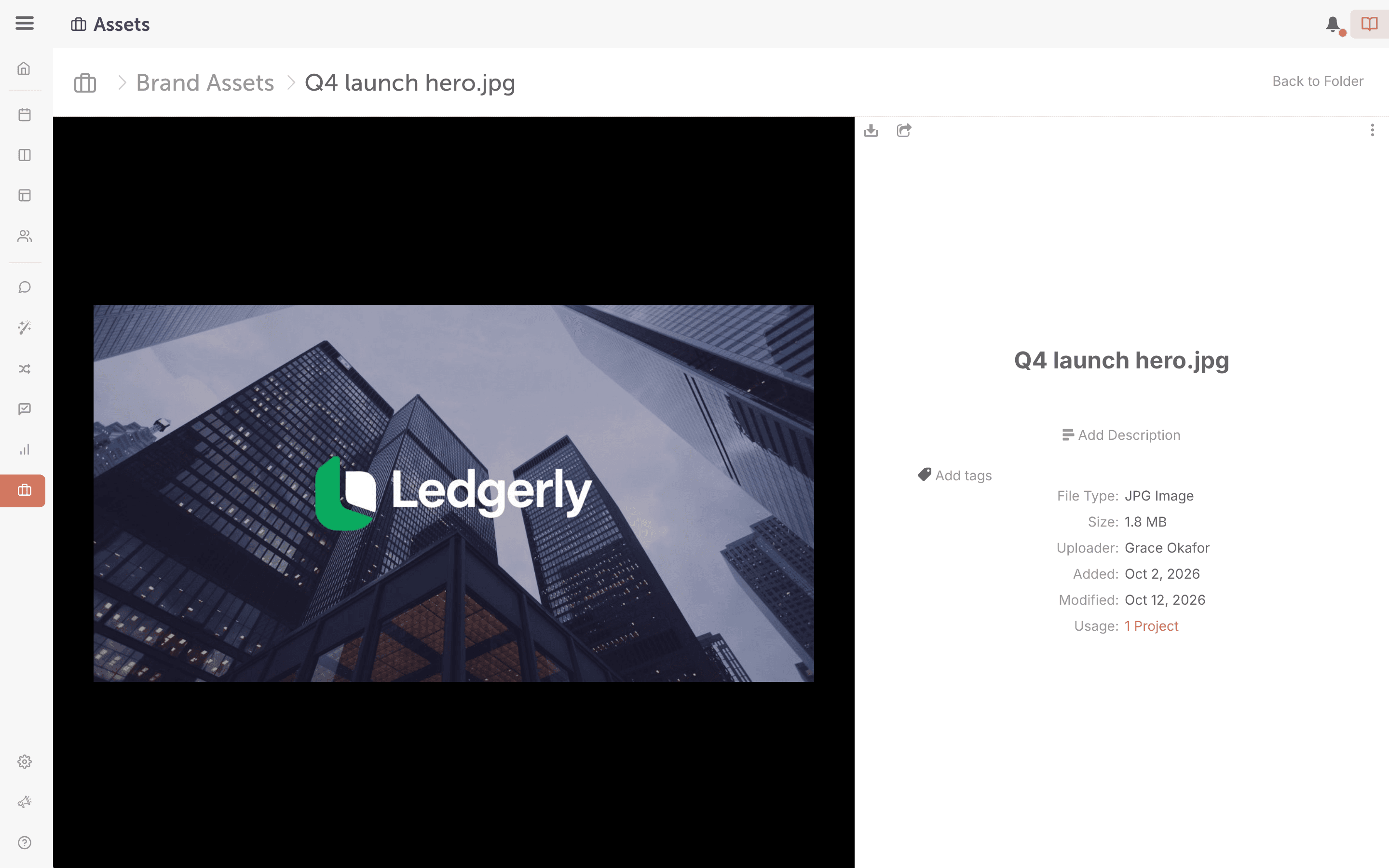
Only files under 25 MB can be previewed. You can view files in Assets, but you can't edit them there.
You can also download or share a file from preview mode. See Share or download files from Assets.
File types you can upload and preview
- Images: .JPEG, .PNG, .GIF, .TIFF and .BMP
- Videos: WebM, .MPEG4, .3GPP, .MOV, .AVI, .MPEGPS, .WMV and .FLV
- Text: .TXT
- Markup and code: .CSS, .HTML, .PHP, .C, .CPP, .H, .HPP and .JS
- Microsoft Word (.DOCX), Excel (.XLSX) and PowerPoint (.PPTX)
- Adobe Portable Document Format (.PDF)
- Apple Pages (.PAGES)
- Adobe Illustrator (.AI) and Adobe Photoshop (.PSD)
- Autodesk AutoCAD (.DXF)
- Scalable Vector Graphics (.SVG)
- PostScript (.EPS and .PS)
- TrueType (.TTF)
- XML Paper Specification (.XPS)
- Archives (.ZIP and .RAR)
Assets doesn't support .doc, .ppt, .xls, .odt, .ods or .odp files.