
Discussions keep comments, feedback and files with the project, social message or task they're about, so your team doesn't have to hunt through other tools. Available on every paid plan: Starter, Professional and Suite.
Start or reply to a discussion in a project
Discussions are on the right side of a project.
- Click Add a discussion.
- Type your comment.
- Click Start Discussion.
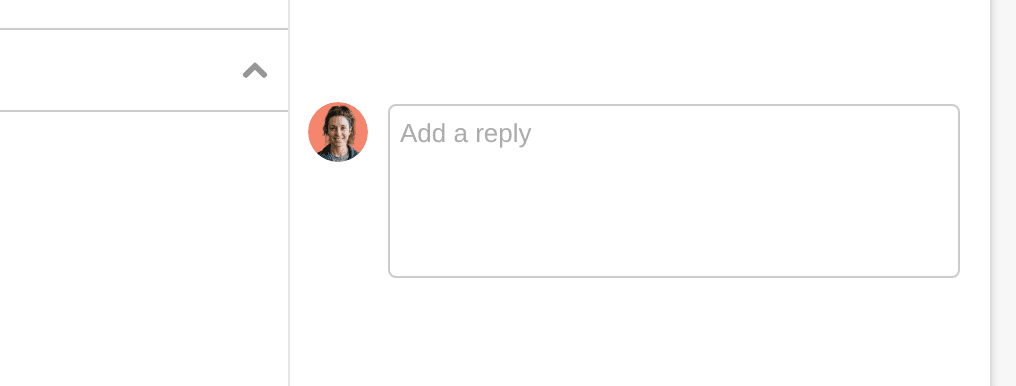
To reply, click Reply. To start another discussion in the same project, click Start a New Discussion. To delete a discussion or reply, click its X. You can also react to and edit discussions and replies.
Discuss a social message
Use discussions to leave feedback on a social message, on its own or in a social campaign.
- Open the social message.
- Click Start Discussion.
- Type your comment.
To reply, type in Add a Reply. On a social message on its own, the person who created it is notified. In a social campaign, everyone who's a contributor to the campaign is notified.
On the calendar, an orange speech bubble on a message means it has discussion you haven't seen. A gray speech bubble means you've seen it.
Discuss a task
Every task has its own discussion. Open the task's Advanced Options to see it. Activity on the task shows there too, and everyone assigned to or mentioned in the task is notified.
In a project or dashboard task list, an orange speech bubble marks a task with comments you haven't seen. A gray one means you've seen them.
Mention a teammate
Type @ and select the person's name.
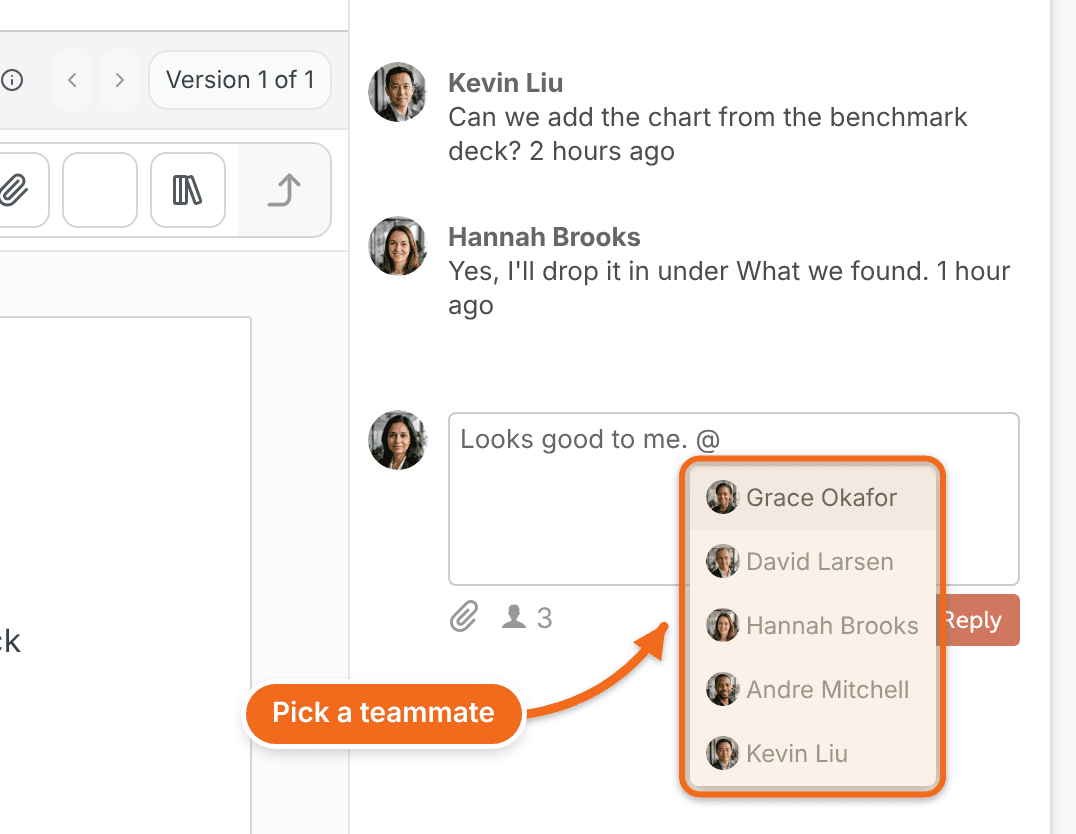
When someone adds a discussion to a project, everyone who's contributing to the project is notified. See Manage project contributors.
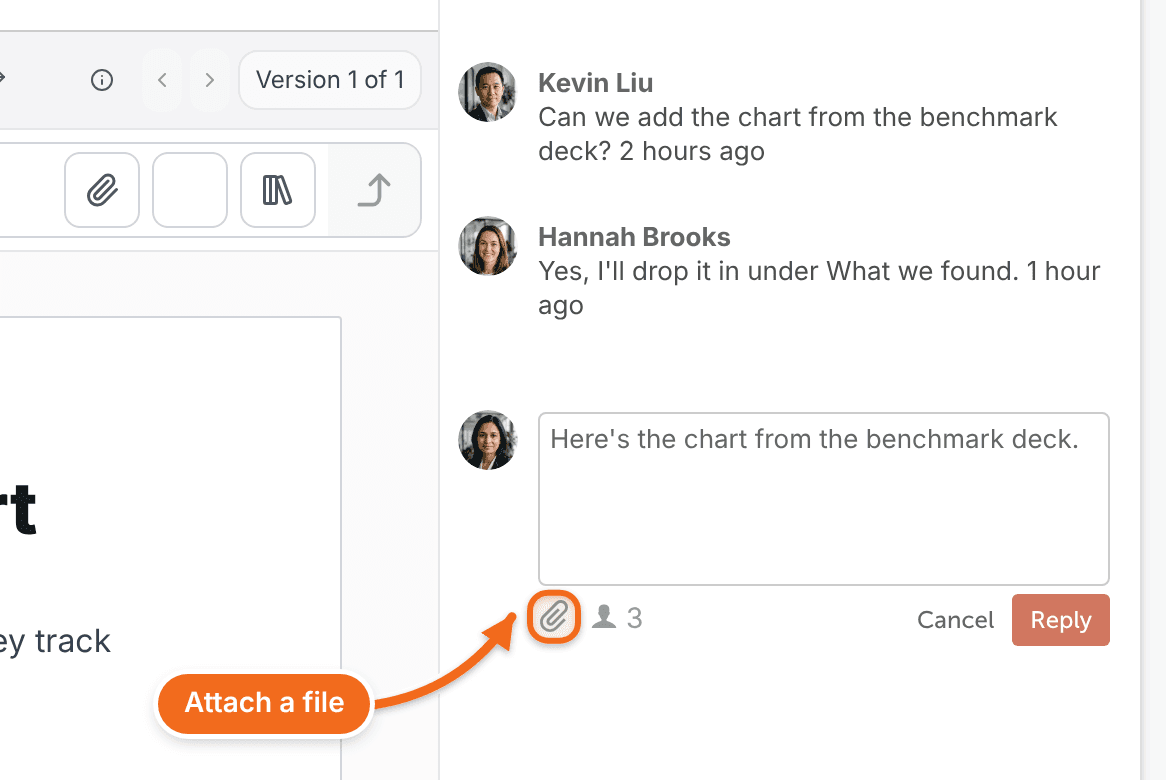
Attach a file
Click the paperclip icon in the discussion, then choose the file. Discussion attachments can be up to 100 MB.
Common questions
Is there a length limit on discussions?
No. There's no practical limit on how long a discussion or reply can be.
Can I choose which discussion notifications I get?
Yes. See Manage notifications and unsubscribe from emails.