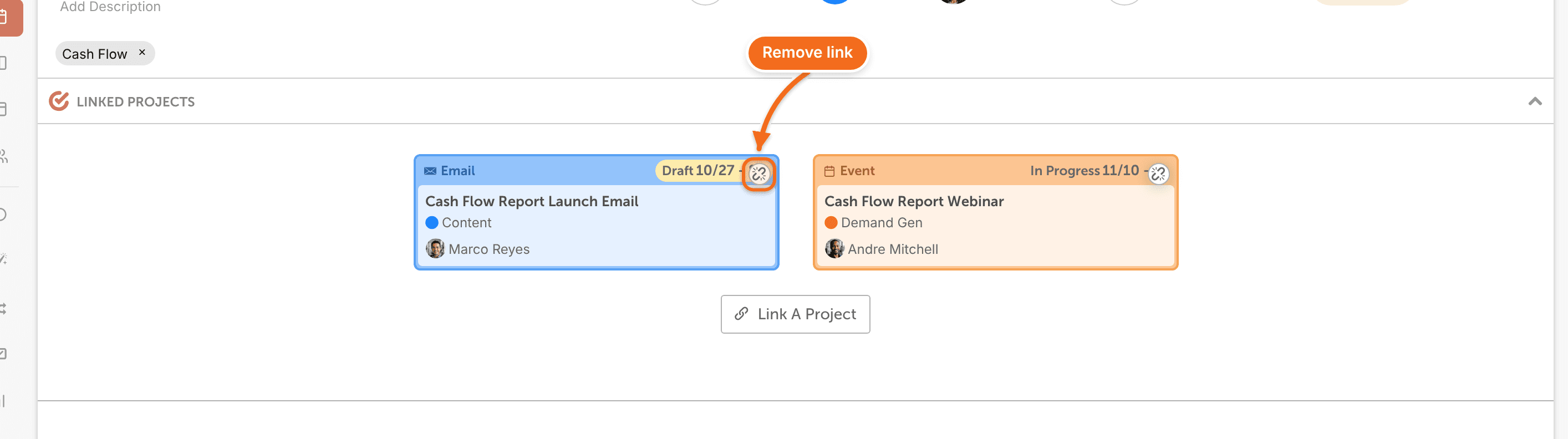
Link related projects so you can jump from one to another. You can link as many projects as you like. Available on Starter, Professional and Suite.
Link a project
- Open the project.
- Click Add Attachment at the bottom of the page.
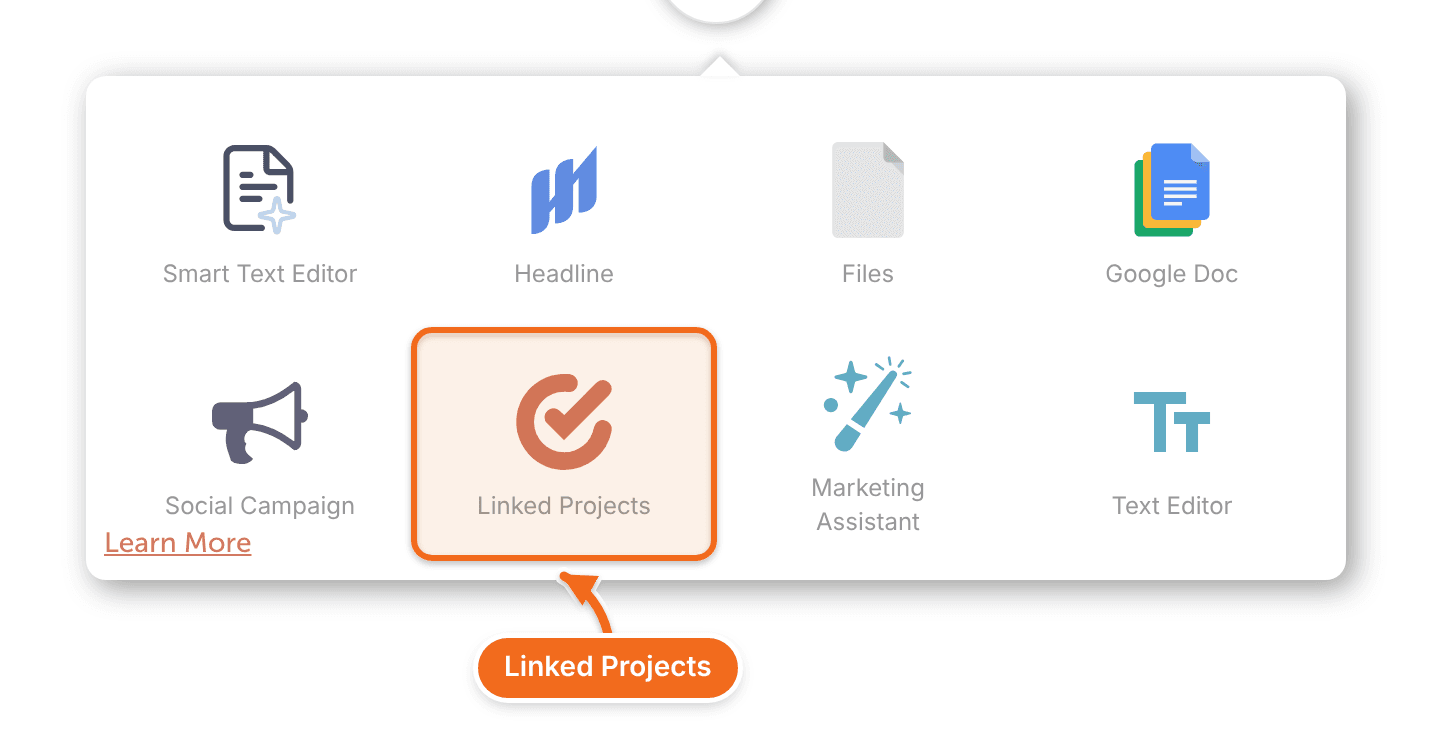
- Click Linked Projects.
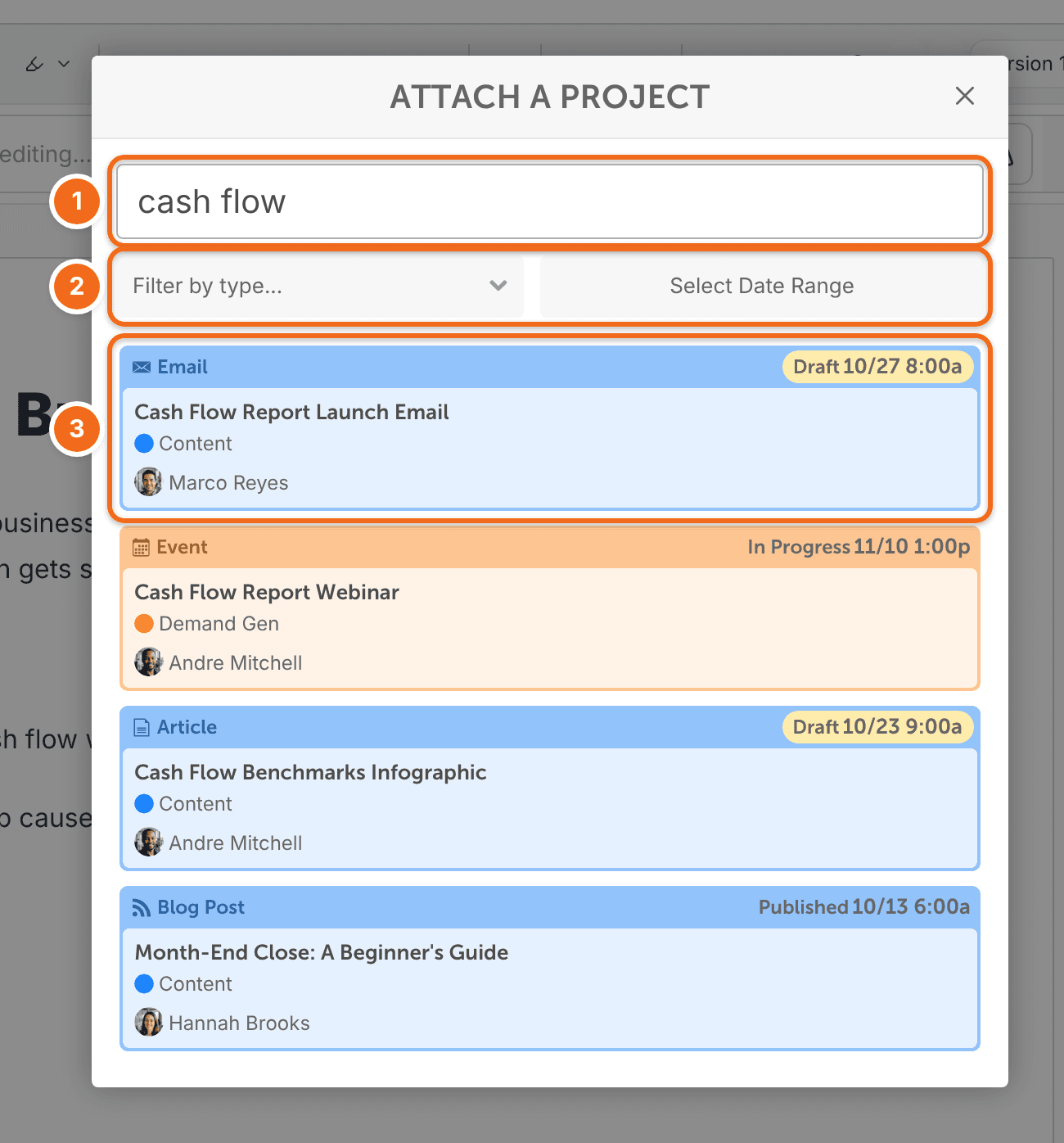
- Find the project you want to link. Search by project name, or filter by type or date range.
- Select the project.
Linked projects show in the project's Linked Projects section. Click one to open it.
Links are for getting around only. Linked projects don't depend on each other, and rescheduling one doesn't move the others.
Remove a linked project
- Hover over the linked project's tile.
- Click the broken link icon.