
The Email Subject Line Tester grades the subject line of an email project as you write it, so you can aim for more opens. It works in Email Marketing and Mailchimp projects. Available on Starter, Professional and Suite.
Check your email project type
The tester only appears in a project whose default attachment is Email Marketing.
- From your calendar, open Settings.
- Click Project Types.
- Check that Email Marketing or Mailchimp is in the list.
- Click Email Marketing and make sure its default attachment is Email Marketing.
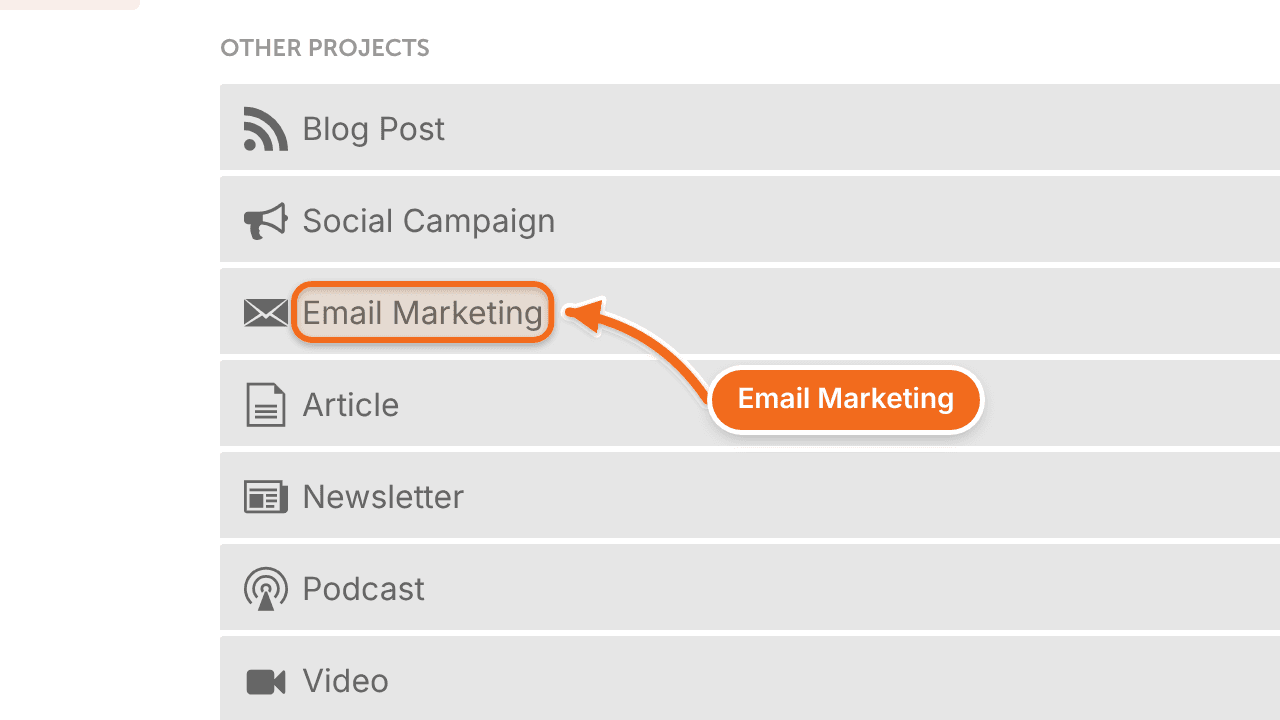
Some project types appear only after you turn on the matching integration. If Email Marketing isn't in the list, connect your email marketing service first.
See Email marketing services you can connect.
Test a subject line
- Create an Email Marketing or Mailchimp project on your calendar.
- Type your subject line in the subject line box.
- Review the grades.
The tester shows:
- Case
- Numbers Present (No or Yes)
- Words that increase opens
- Words that decrease opens
- Characters
- Words
- Emojis
- Overall Score
It also has a Full Analysis link and a History button.