CoSchedule’s Social Inbox Is New & Improved - Now Connected To All Social Networks
Our newest social feature to your CoSchedule Calendar - Social Inbox! Now your CoSchedule Calendar is a complete social media management solution!
Social media is a direct way to communicate with fans, followers, and customers. But without the right social media management tools, it’s clunky, time-consuming, and tedious to reply to all the incoming messages from all of your different social profiles.
The solution? Social Inbox!
With Social Inbox, you can:
Manage All Your Incoming Messages From A Single Inbox
Social Inbox empowers you to efficiently manage and respond to the latest interactions across your various social media platforms from a centralized location. Stay on top of comments, mentions, and direct messages from all socials, including:
- Facebook
- Instagram
- Twitter/X
- LinkedIn
- YouTube
- Threads
- Bluesky
- Google Business Profiles
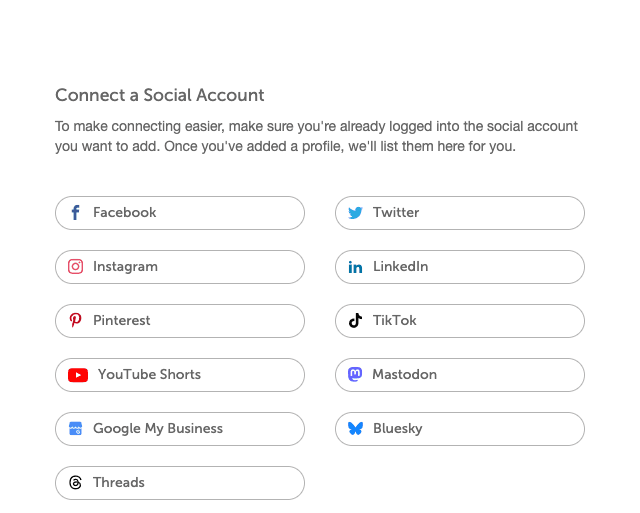
Never Miss A Chance For Engagement

Discover new and incoming opportunities to join customer conversations. Increase loyalty and brand buzz by connecting with your audience in real-time.
Sort By Color Labels And Tags
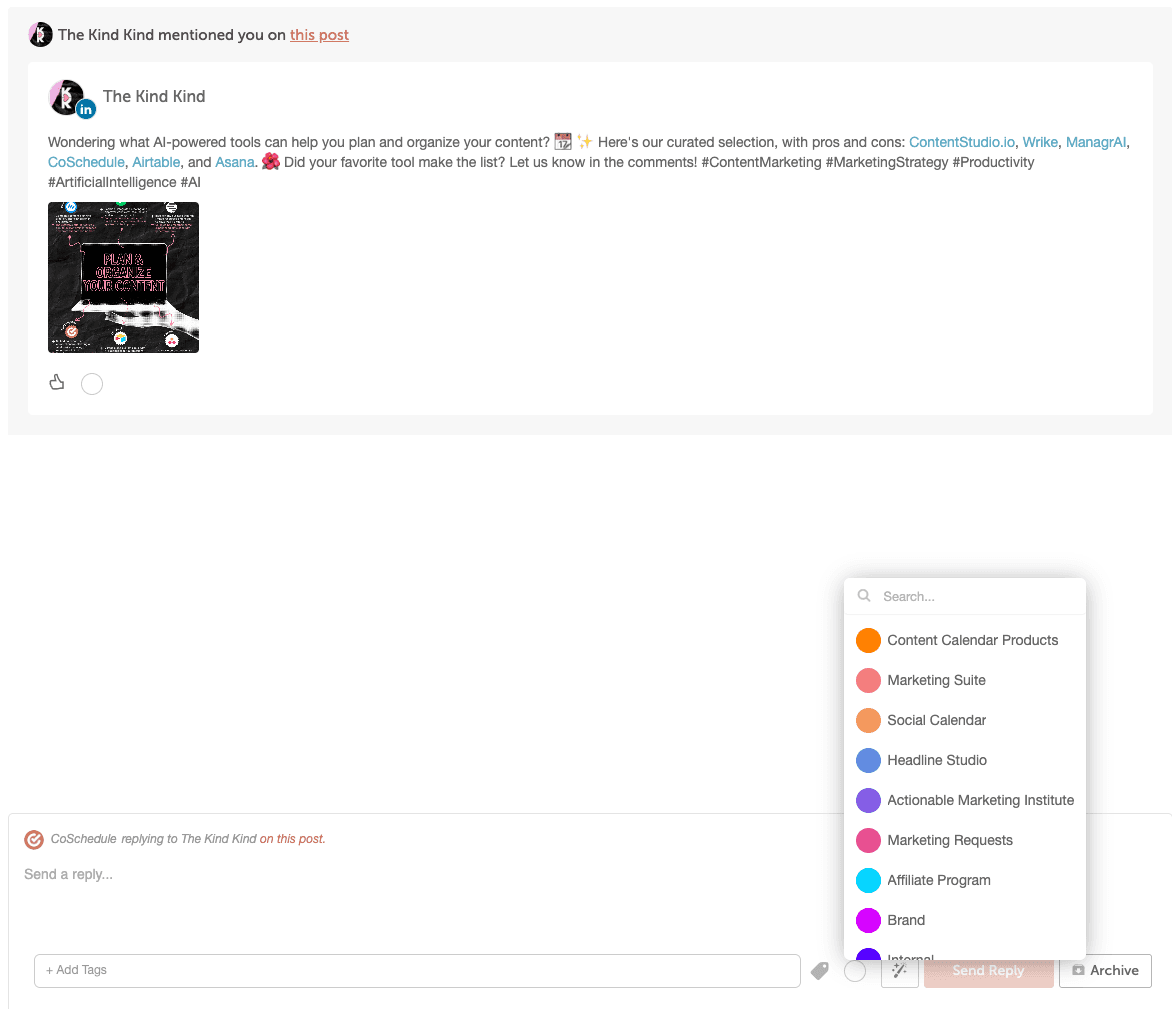
Organization is key when it comes to managing social media interactions, especially when you're dealing with a high volume of messages.
With this feature, you can apply color-coded labels and custom tags to categorize your messages efficiently.
Saved Replies And AI Assisted Replies
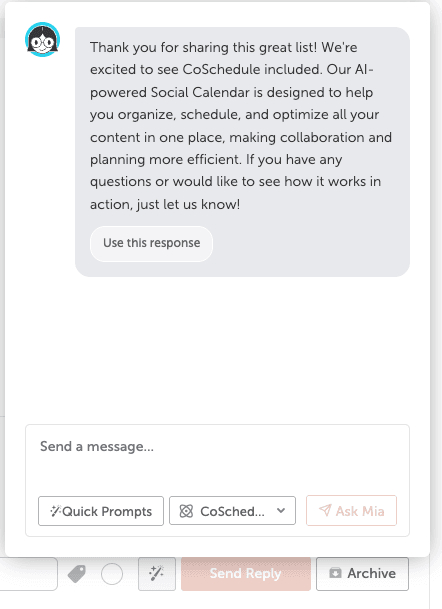
Automation and AI are a huge help when it comes to improving response times and maintaining consistency in customer interactions.
Our Saved Replies feature allows you to create standard responses for common inquiries, while AI Assisted Replies go a step further by suggesting replies based on the content of the incoming message. It's like having a super-smart assistant right at your fingertips!
Let Social Inbox simplify your workflow, so you can focus more on connecting with your audience and growing your brand!
Create your free calendar to try using CoSchedule today!
Social Inbox is available in Social Calendar, Content Calendar, Marketing Suite, Agency Calendar.
To add Social Inbox to your existing plan, upgrade your Calendar or contact your CSM today.
Learn more in our Support Doc.