CoSchedule AI Now Works With Your Preferred LLM
Choose from OpenAI, Anthropic, or Copilot to power your CoSchedule AI Assistant.
You’ve got a favorite LLM. Or your workplace requires a specific LLM provider.
Now you can now choose which AI model powers
your AI Assistant inside CoSchedule, letting you use the AI provider you trust.
CoSchedule now gives you the flexibility to choose from:
- OpenAI (ChatGPT)
- Anthropic (Claude)
- Microsoft Copilot (for organizations with eligible Microsoft 365 Copilot licenses)
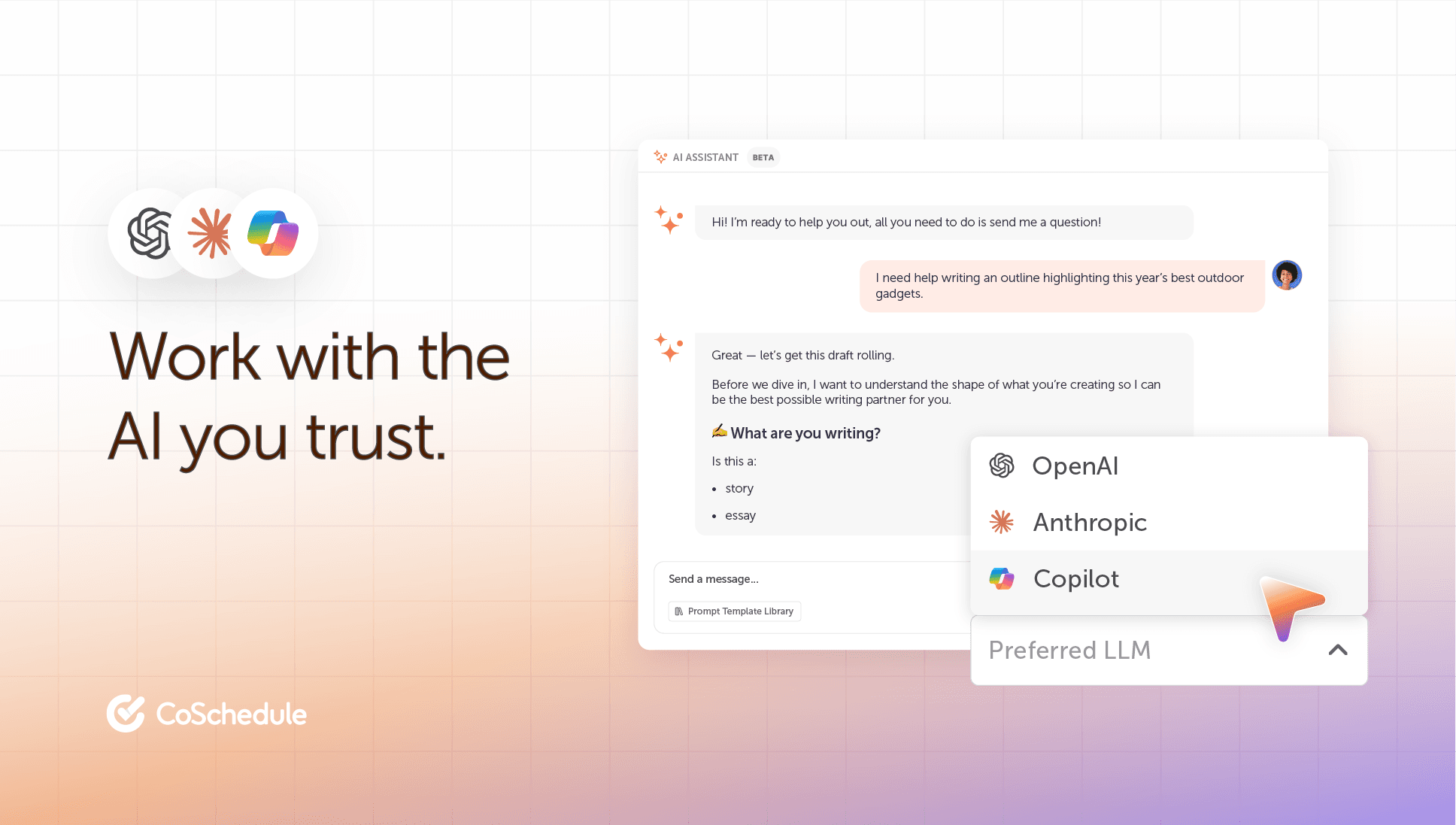
When you’re drafting campaign copy, planning content, or brainstorming your next marketing initiative, your AI Assistant will be powered by the AI model you choose.
Don't have a preference? No problem. If you don't select an LLM, CoSchedule will automatically use the default model we believe delivers the best experience, so you can simply start creating.
Unlock Even Deeper Context From Microsoft 365
If your organization has a Microsoft Copilot license, your AI Assistant is even more helpful.
When Microsoft Copilot is selected as your preferred LLM, your AI Assistant can securely access and reference your Microsoft 365 data to deliver more relevant, context-aware responses.
That includes information from:
- OneDrive Documents
- SharePoint sites
- Outlook emails
- Microsoft Teams conversations
- Online meeting transcripts
Simply connect the Microsoft 365 Integration and select Copilot as your preferred AI provider to give organizational context to your AI Assistant.
How To Select Your Preferred LLM
Ready to use your company's preferred LLM? Simply select it under Settings > AI Settings.
Don't have a preference? We'll automatically use our recommended default LLM.
Either way, you'll get an AI Assistant that's ready to help you create your best work.
Available in: Choose from OpenAI and Anthropic in all paid plans. The Copilot integration is available in Content Calendar & Marketing Suite plans only.