Share Up To 20 Images In One Instagram Post
Tell the whole story in one post. CoSchedule now publishes up to 20 images to a single Instagram post. That's twice as many as before, and the same number Instagram allows in its own app.
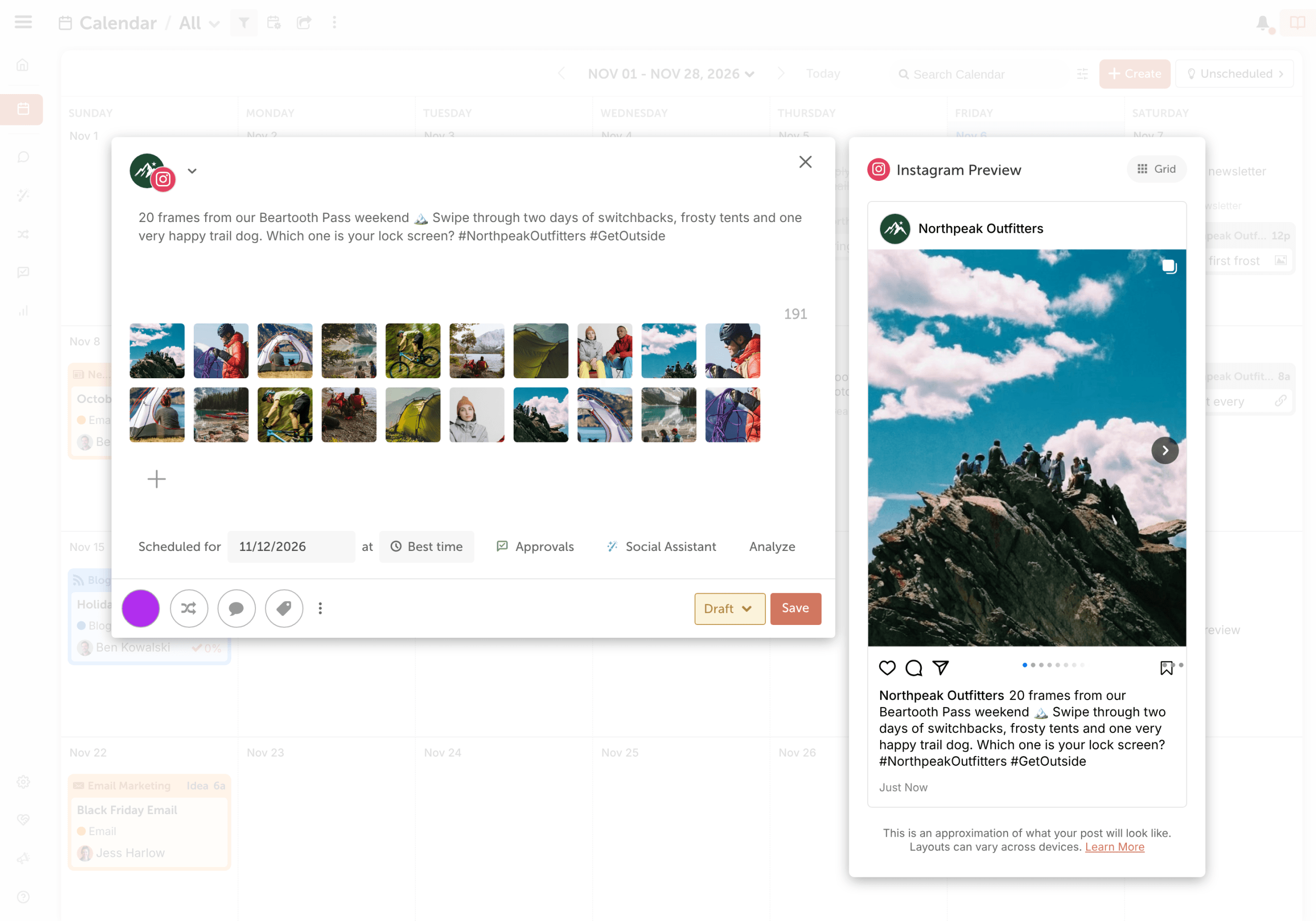
More Room For The Posts That Need It
Event recaps, product lineups, step-by-step how-tos and before-and-afters often need more than 10 images. Now you can keep them together in one post instead of splitting them across two. Add your images in CoSchedule, check the preview and schedule the post alongside the rest of your social content.
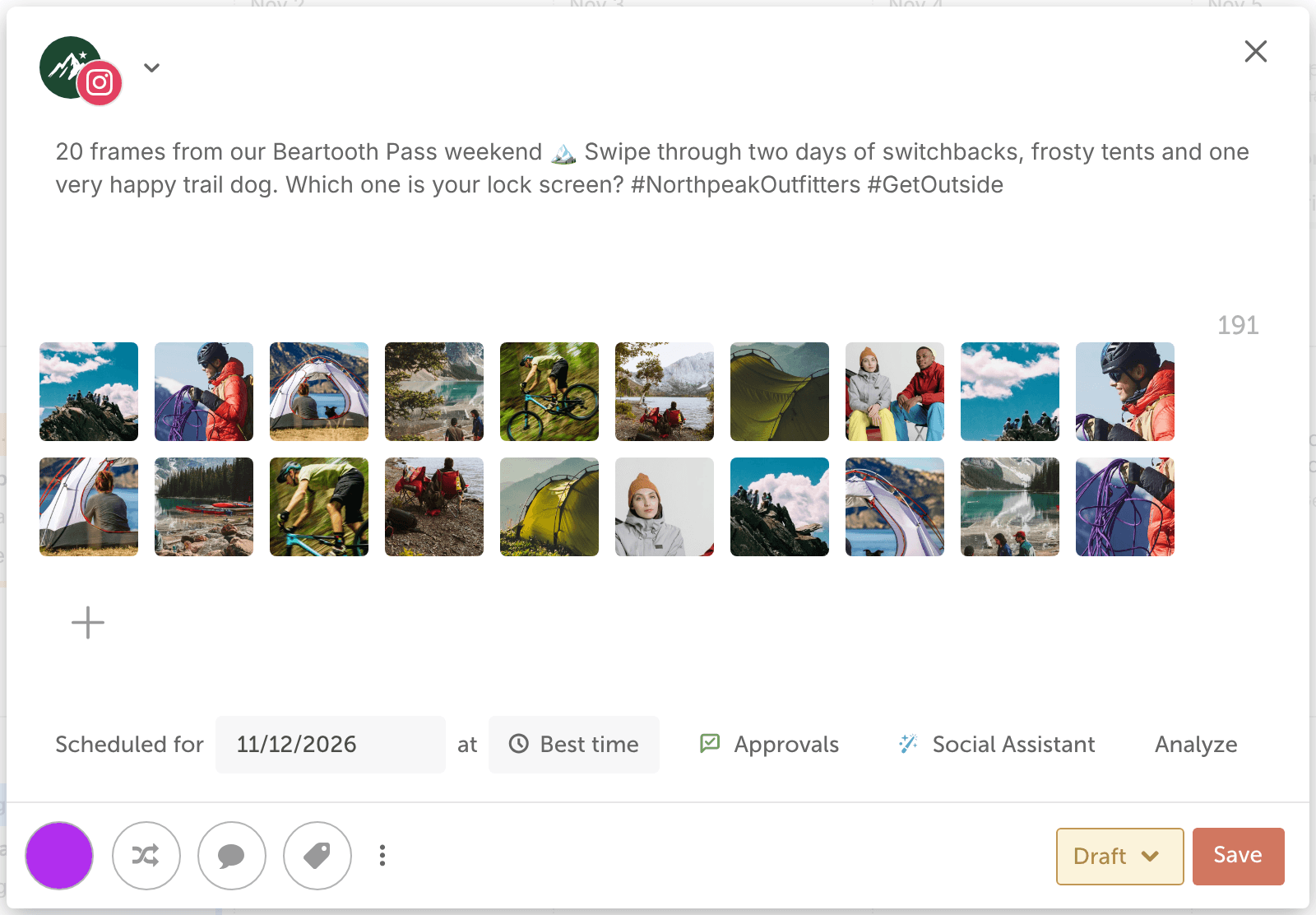
How To Add Up To 20 Images
When you create an Instagram post, select Add Media and choose up to 20 images. Put them in the order you want, and they'll post to your feed as a carousel. For the full steps, see
Publish posts to Instagram.
Available in Starter, Professional and Suite. Instagram publishing requires an Instagram Business or Creator account.
Try It Today
Log in to your CoSchedule account and schedule your next Instagram post with up to 20 images. Don't have a CoSchedule account yet?
Try CoSchedule Free.