Social Inbox Is Your New Home For Customer Engagement
Social media moves fast. Every comment, mention and direct message is an opportunity to build trust, or lose it.
Your CoSchedule Social Inbox is built to help you take control over every conversation on every network across teammates. Now with more powerful features than ever.
Manage Every Messages From A Single Inbox
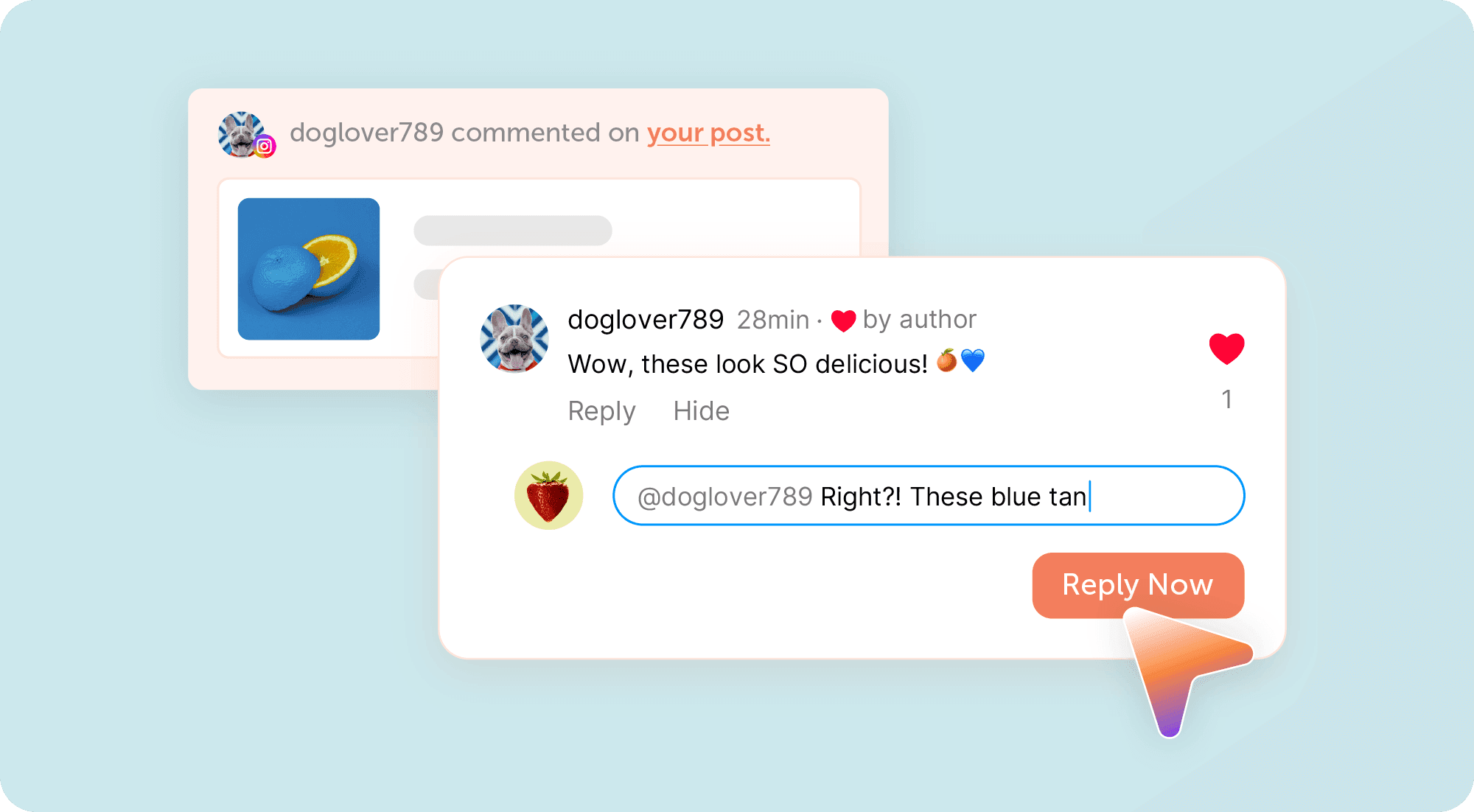
Stop jumping between platforms to keep up with customer conversations.
Social Inbox brings together comments, mentions, and direct messages from your connected social accounts into one centralized workspace so your team always knows what's happening.
You can:
- View comments, mentions, and direct messages across every connected social network
- Respond without switching between platforms
- Keep a searchable history by archiving completed conversations
Every conversation lives in one place, making it easier to stay responsive and never miss an opportunity.
Assign Conversations To Teammates
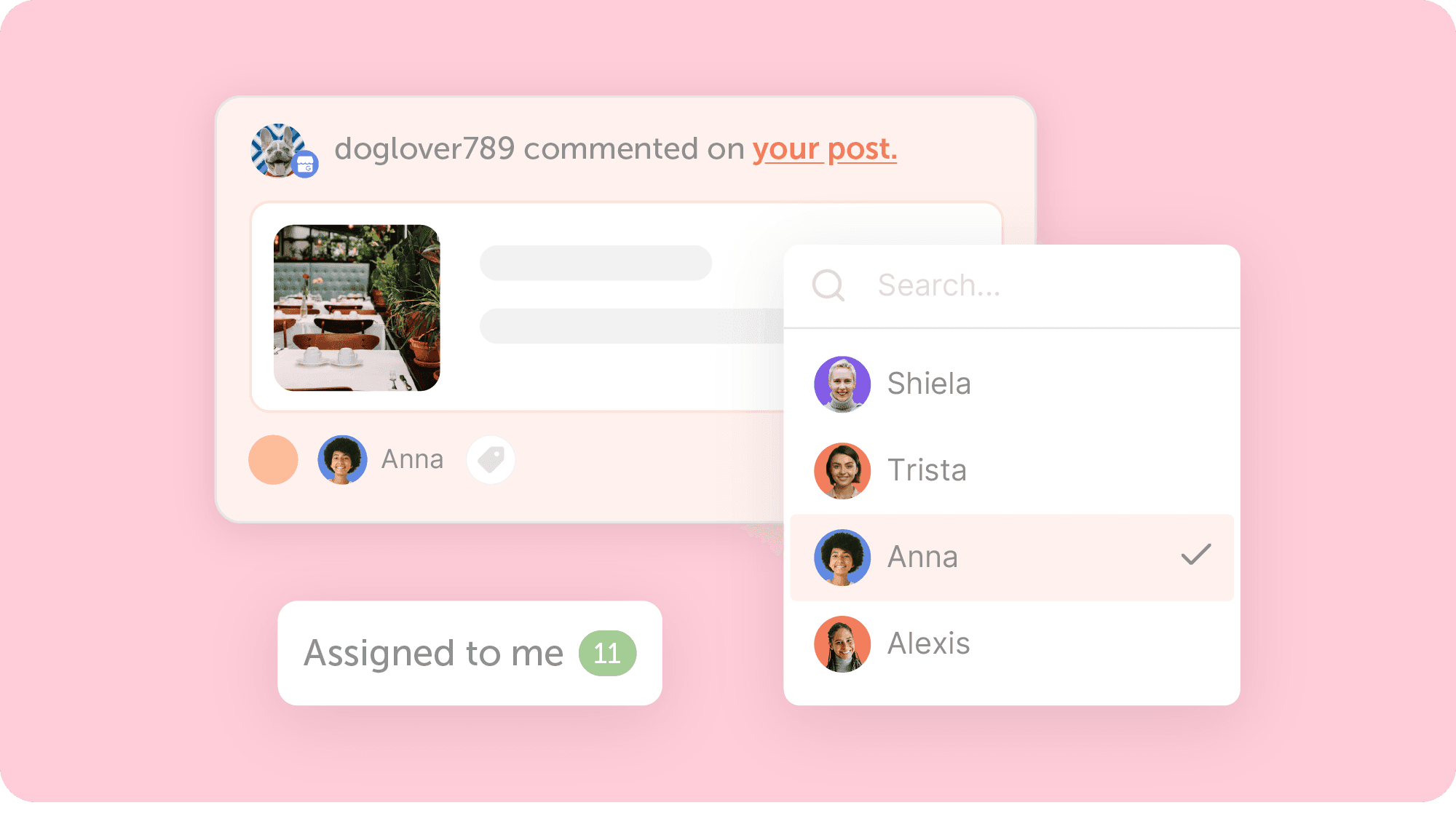
Customer conversations move faster when everyone knows who's responsible.
With Assigned Replies, you can send incoming conversations directly to the right teammate so ownership is always clear.
Now your team can:
- Assign conversations to specific teammates
- Automatically notify assigned team members
- See exactly who replied to each conversation
- Quickly filter messages assigned to you
- Customize notifications to match your workflow
No more duplicate responses. No more wondering who's handling what. Just clear ownership from start to finish.
Available in Content Calendar and Marketing Suite.
Use Saved Replies For Recurring Responses
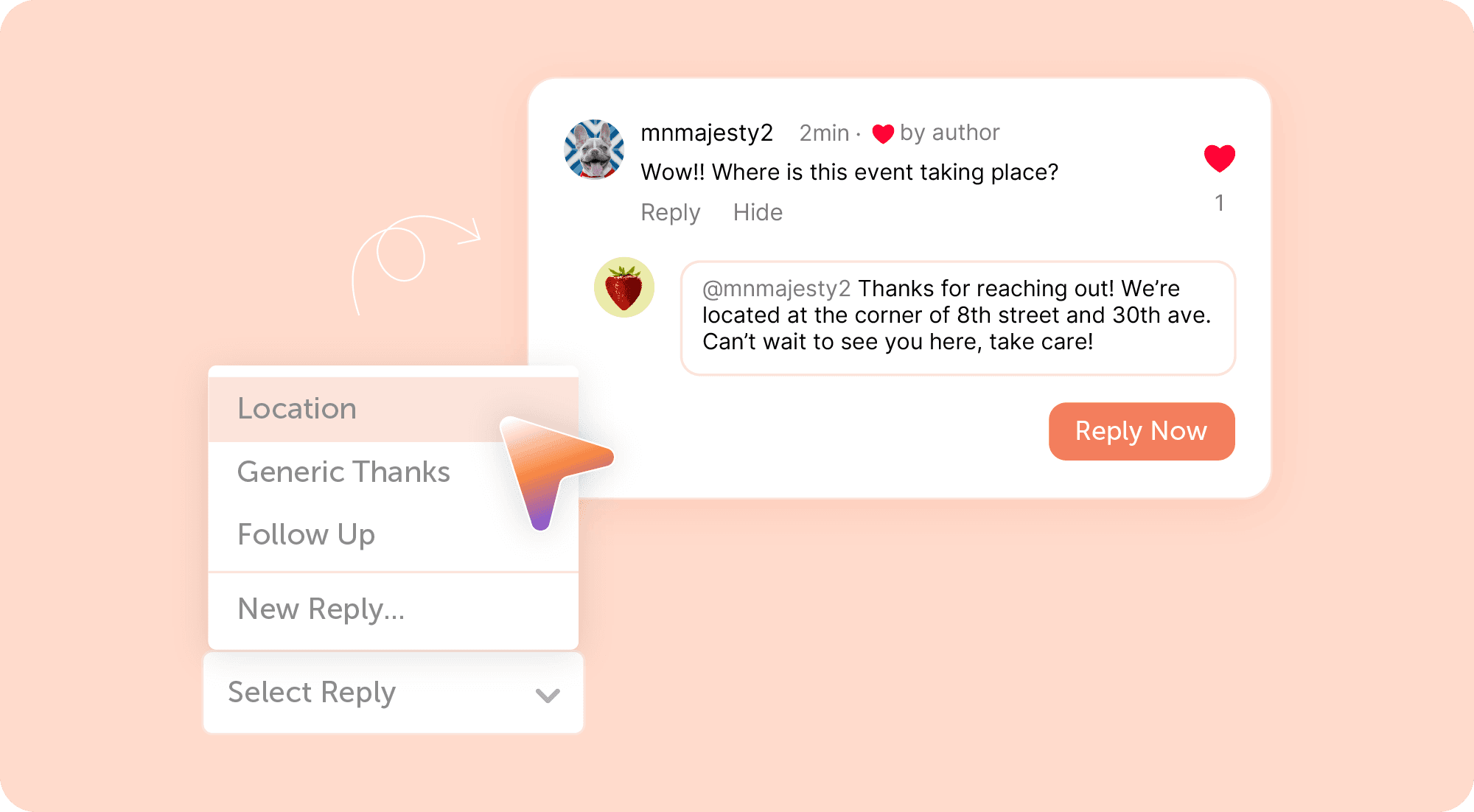
If your team answers the same questions every day, you shouldn't have to rewrite the same response every time.
Saved Replies lets you create reusable responses for your most common customer questions so you can reply consistently in just a few clicks.
Whether you're answering questions about business hours, pricing, support, or promotions, Saved Replies helps your team respond faster while keeping messaging consistent.
Available in Agency Calendar, Content Calendar, and Marketing Suite.
Collaborate Behind The Scenes With Internal Discussions
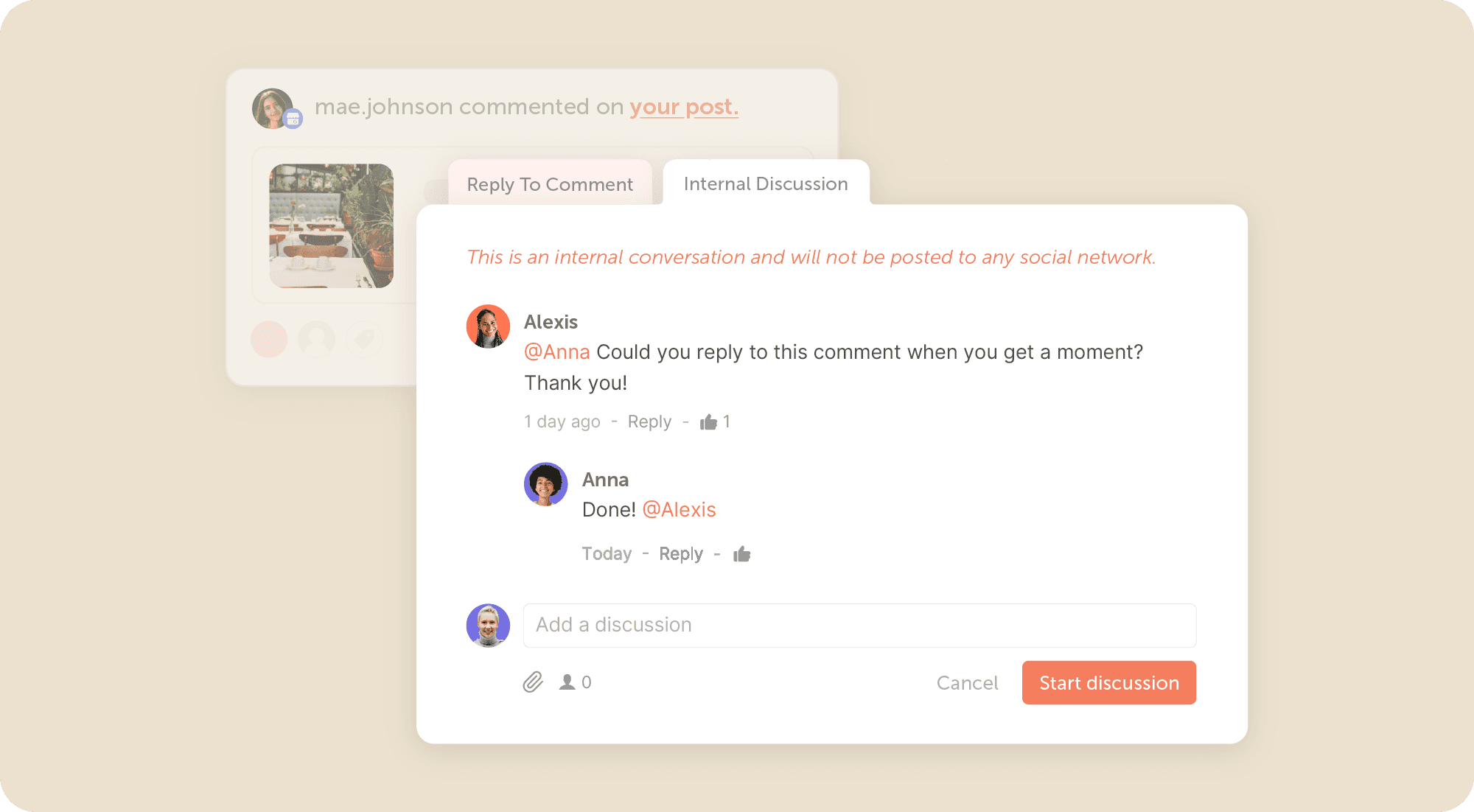
Some responses require discussion before replying.
Internal Discussions let your team collaborate privately before replying to customers. Tag teammates, ask questions, or gather additional context without the customer ever seeing the conversation.
Everything happens inside the same conversation, eliminating the need for separate Slack messages or email threads.
Available in Agency Calendar, Content Calendar, and Marketing Suite.
Get Help Writing Your Response
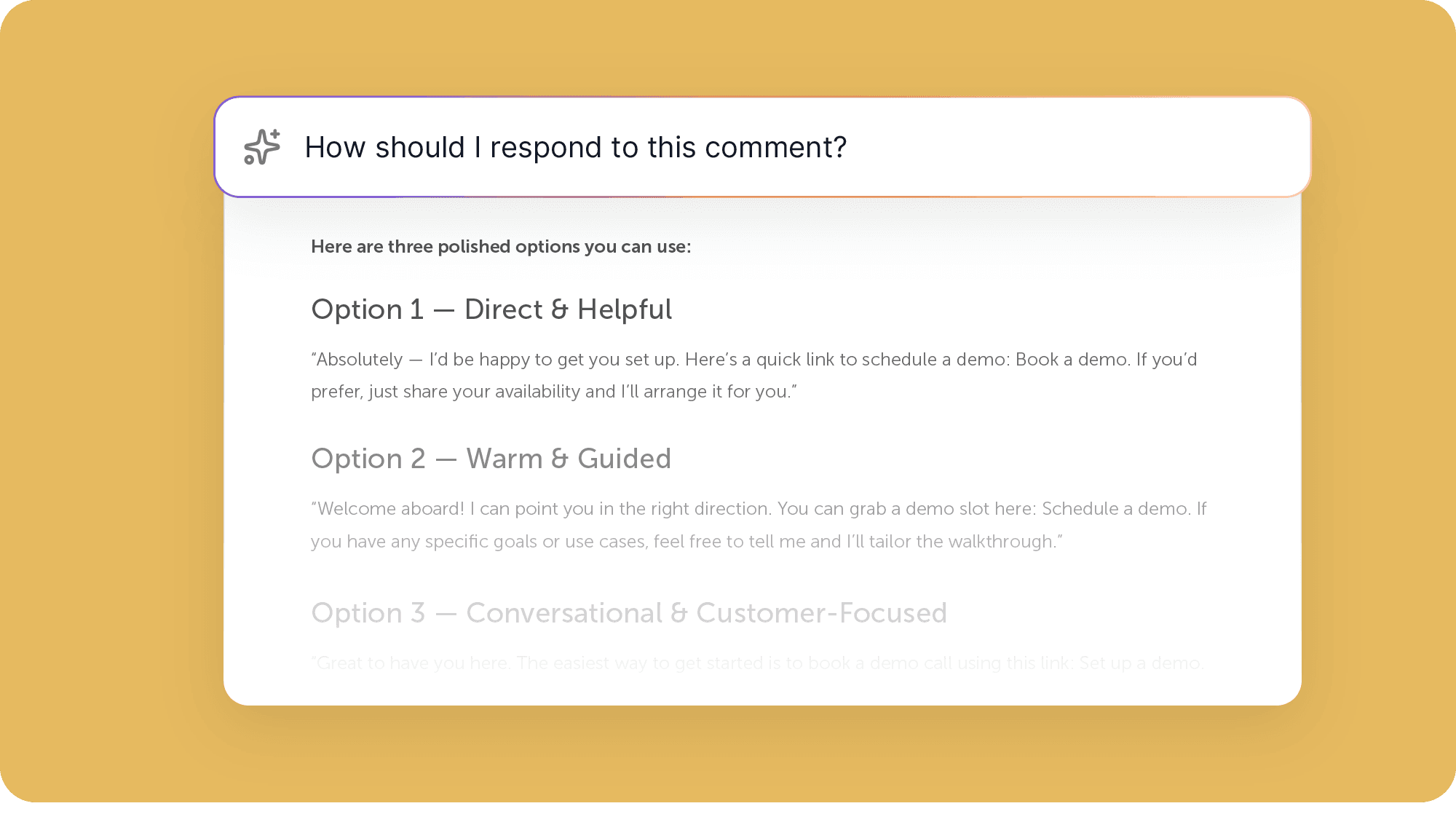
Your AI Assistant can draft replies for you.
Generate thoughtful responses in seconds, then review and personalize them before sending.
Whether you're responding to customer feedback or answering a difficult question, AI Assistant helps you communicate with confidence while saving valuable time.
Stay Organized As You Scale
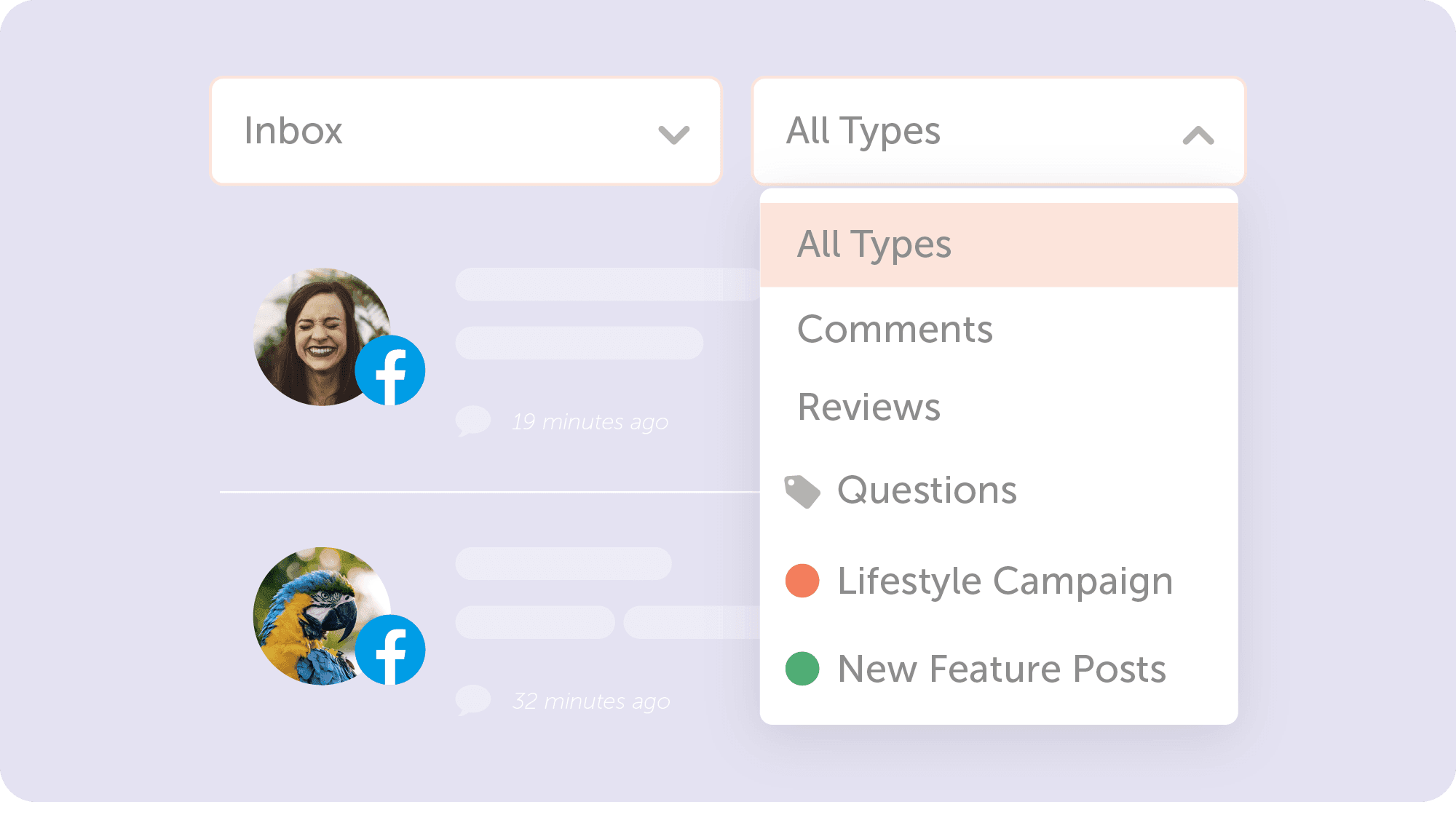
As engagement increases, organization becomes even more important.
Use tags and color labels to categorize conversations in whatever way works best for your team.
Organize messages by:
- Campaign
- Department
- Priority
- Customer type
- Topic
- Or any custom workflow your team uses
With everything properly organized, finding conversations becomes fast and effortless.
Reach Inbox Zero Without Losing Your History
A clean inbox helps your team stay focused.
Once a conversation is complete, archive it to remove it from your active inbox while preserving a searchable record for future reference.
Your team stays organized without losing valuable conversation history.
Your New Command Center For Customer Engagement
Customer engagement is more than responding to messages. It's about working together efficiently, staying organized, and delivering great experiences every time someone reaches out.
With Assigned Replies, Saved Replies, Internal Discussions, AI powered responses, tags, labels, and a centralized inbox, CoSchedule's Social Inbox gives your team everything needed to manage customer conversations at scale.
Respond faster.
Collaborate better.
Never miss an opportunity to engage.
Welcome to your new home for customer engagement.