
Social media has become a core communication channel for schools and universities. From promoting campus events to engaging prospective students, institutions rely on platforms like Instagram, Facebook, and LinkedIn to stay visible and connected.
But managing social media in education isn’t simple. Many schools face limited staff, fragmented communication across departments, and the pressure to maintain consistent, compliant messaging. Admissions, athletics, and academic departments often operate independently, making coordination difficult.
That’s where social media management tools for schools come in. These platforms simplify planning, publishing, and collaboration so education teams can stay organized, save time, and deliver consistent messaging across every channel.
Key Takeaways
- CoSchedule: Best for organizing campaigns across multiple school departments
- Hootsuite: Best for large institutions needing extensive integrations
- Buffer: Best for small teams looking for simplicity
- Sprout Social: Best for data-driven universities
- Later: Best for visual content planning
- Agorapulse: Best for managing high engagement and inbox activity
- Sendible: Best for detailed reporting and education marketing teams
- Loomly: Best for collaboration and content workflows
Why Schools Need Social Media Management Software
Managing social media in education comes with unique challenges. Unlike most organizations, schools must coordinate across multiple departments while maintaining a consistent voice and brand.
Here’s where social media tools for schools make a difference:
Managing multiple school social accounts
Universities often oversee dozens of accounts across departments, programs, and campuses. A centralized platform keeps everything organized.
Coordinating campaigns for admissions and events
From enrollment campaigns to homecoming promotions, social media planning for universities requires alignment across teams.
Maintaining consistent branding
Consistency builds trust. Social media management for higher education ensures every post reflects the institution’s voice and standards.
Saving time with automation
Social media automation for education teams reduces manual work, allowing staff to focus on strategy instead of repetitive tasks.
Key Features To Look For In Social Media Tools For Schools
Not all tools are built with education in mind. The best platforms support collaboration, organization, and scalability.
Content calendar for schools
A centralized calendar helps teams plan campaigns, track posts, and avoid gaps or overlaps.
Collaboration and approval workflows
Multiple stakeholders often need to review content. Built-in workflows streamline approvals and reduce back-and-forth.
Multi-platform scheduling
Posting across channels from one place saves time and ensures consistency.
Asset and campaign organization
Keep images, messaging, and campaigns aligned across departments.
Analytics and reporting
Measure engagement, track performance, and refine your school social media strategy tools.
Integrations with marketing tools
Connecting with other platforms improves efficiency and keeps your workflow seamless.
Best Social Media Management Tools For Schools
1. CoSchedule
Overview
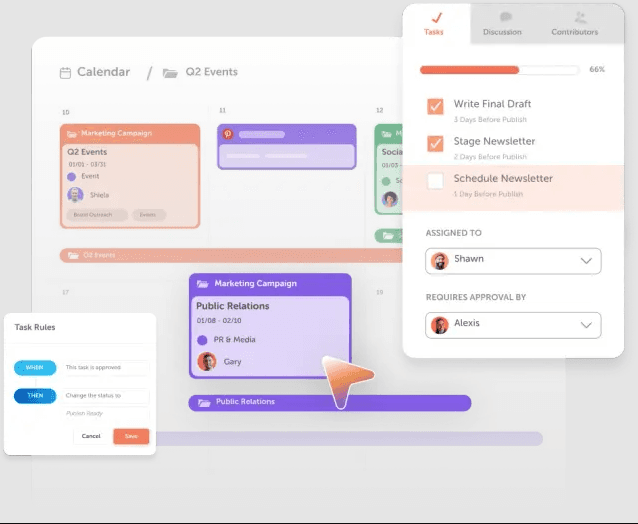
CoSchedule is designed to bring all your marketing efforts into one unified calendar, making it especially valuable for schools managing multiple teams and campaigns.
Strengths
- Unified marketing calendar for complete visibility
- Campaign organization across departments
- Built-in collaboration and approval tools
- Easy scheduling and automation
Use Case for Schools
CoSchedule helps align admissions, athletics, and communications teams in one place, ensuring every campaign stays organized and on schedule.
Get started with CoSchedule to bring clarity and consistency to your school’s social media strategy.
2. Hootsuite
Overview
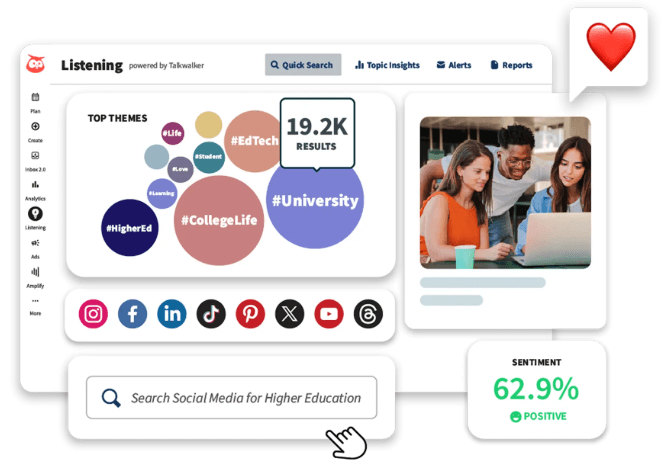
Hootsuite is a widely used platform known for its extensive integrations and social media monitoring capabilities.
Strengths
- Large ecosystem of integrations
- Strong monitoring and engagement tools
- Scalable for enterprise use
Use Case for Schools
Best suited for larger institutions that need to manage complex systems and monitor multiple channels at scale.
3. Buffer
Overview
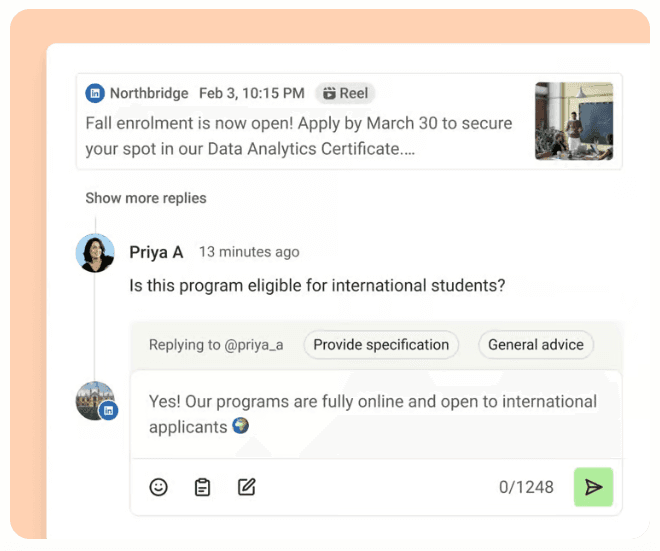
Buffer focuses on simplicity, making it easy to plan and publish content without a steep learning curve.
Strengths
- Clean, user-friendly interface
- Quick scheduling and publishing
- Lightweight and efficient
Use Case for Schools
Ideal for small teams or individual departments looking for a straightforward solution.
4. Sprout Social
Overview
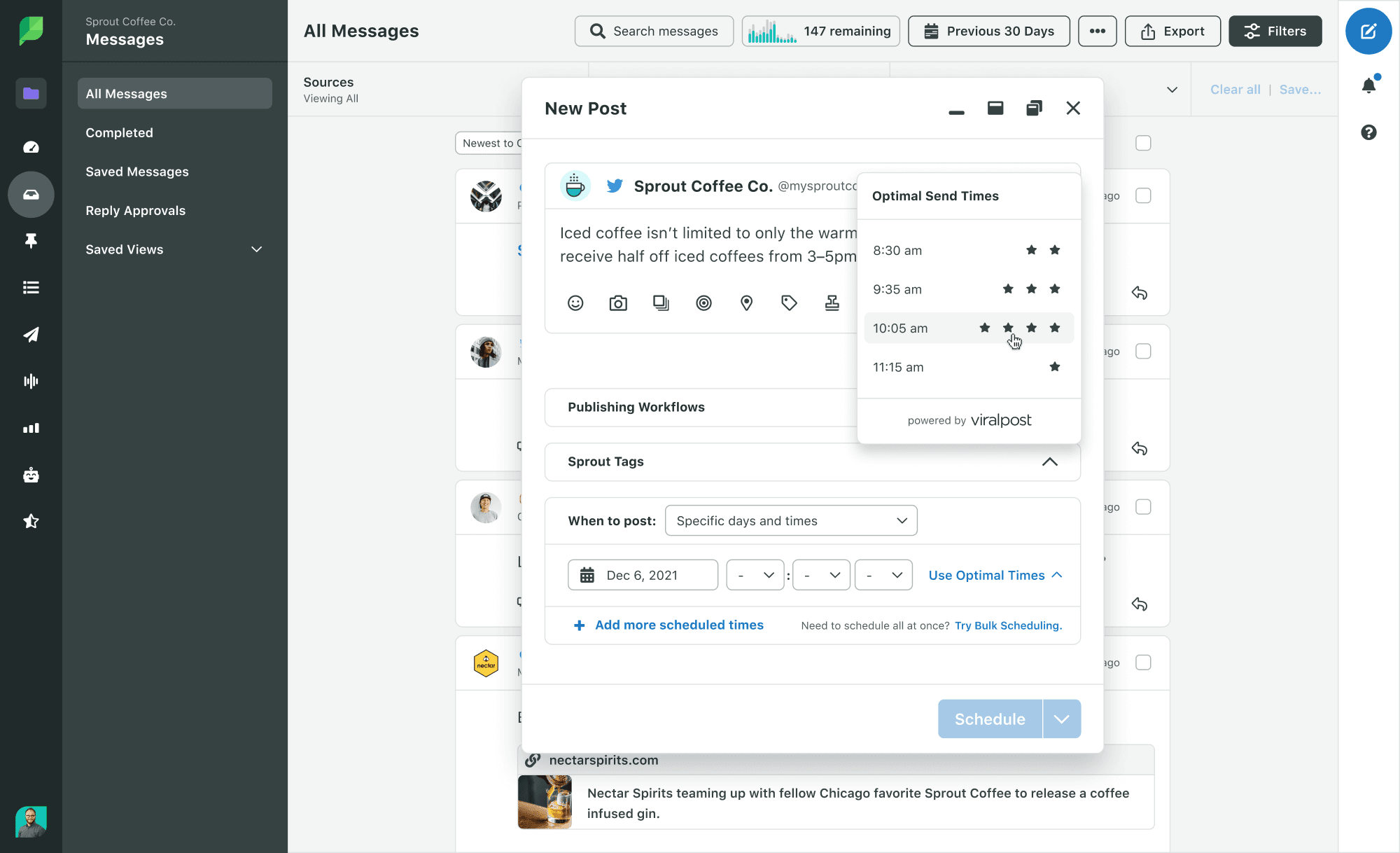
Sprout Social offers advanced analytics and social listening features for deeper insights.
Strengths
- Robust reporting and analytics
- Social listening capabilities
- Engagement tracking
Use Case for Schools
Great for universities that rely on data-driven decision-making and want to measure performance in detail.
5. Later
Overview
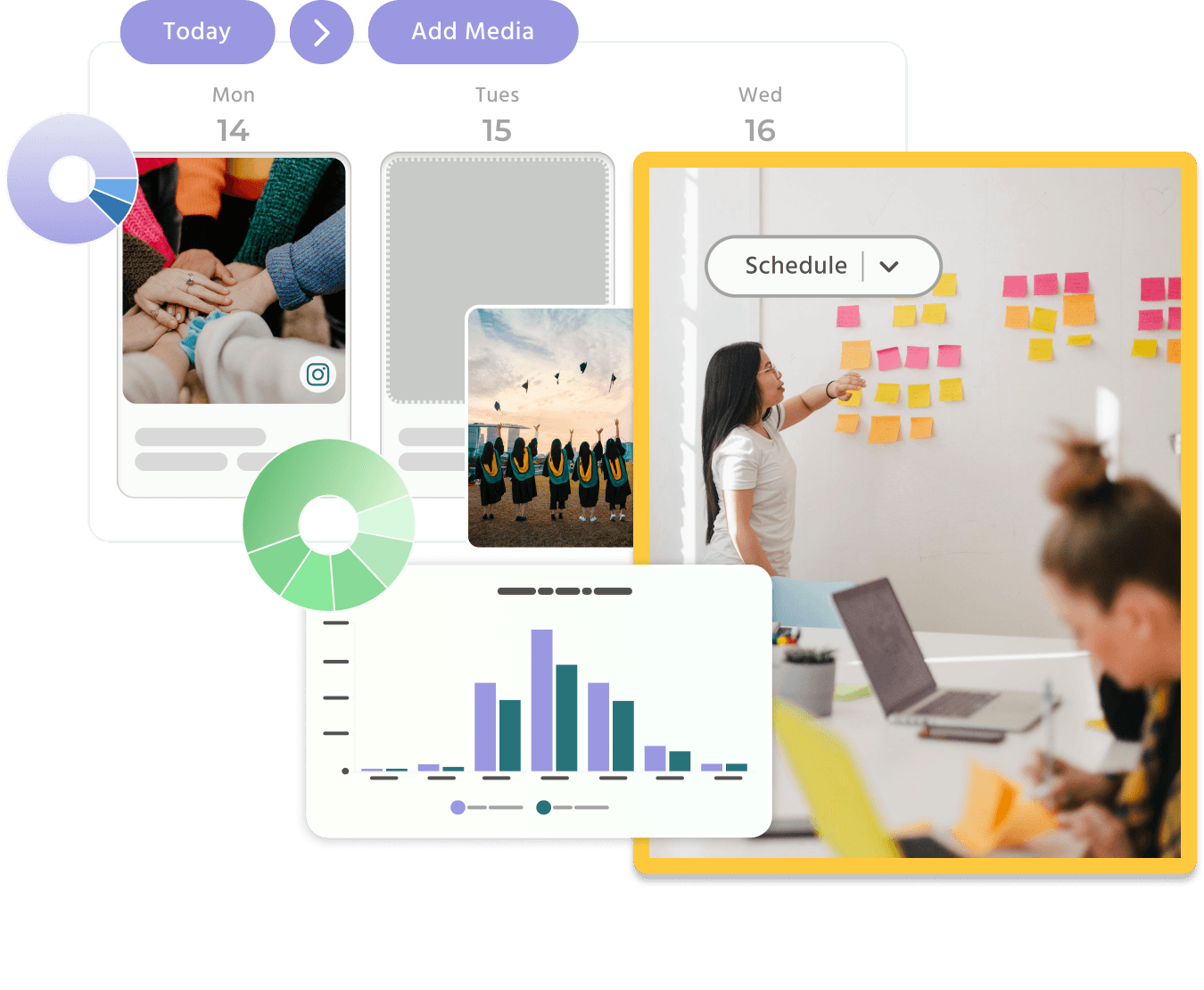
Later is built for visual content planning, with a strong focus on Instagram and similar platforms.
Strengths
- Visual content calendar
- Drag-and-drop planning
- Media-focused workflow
Use Case for Schools
Perfect for schools emphasizing storytelling through visuals, such as campus life and student experiences.
6. Agorapulse
Overview
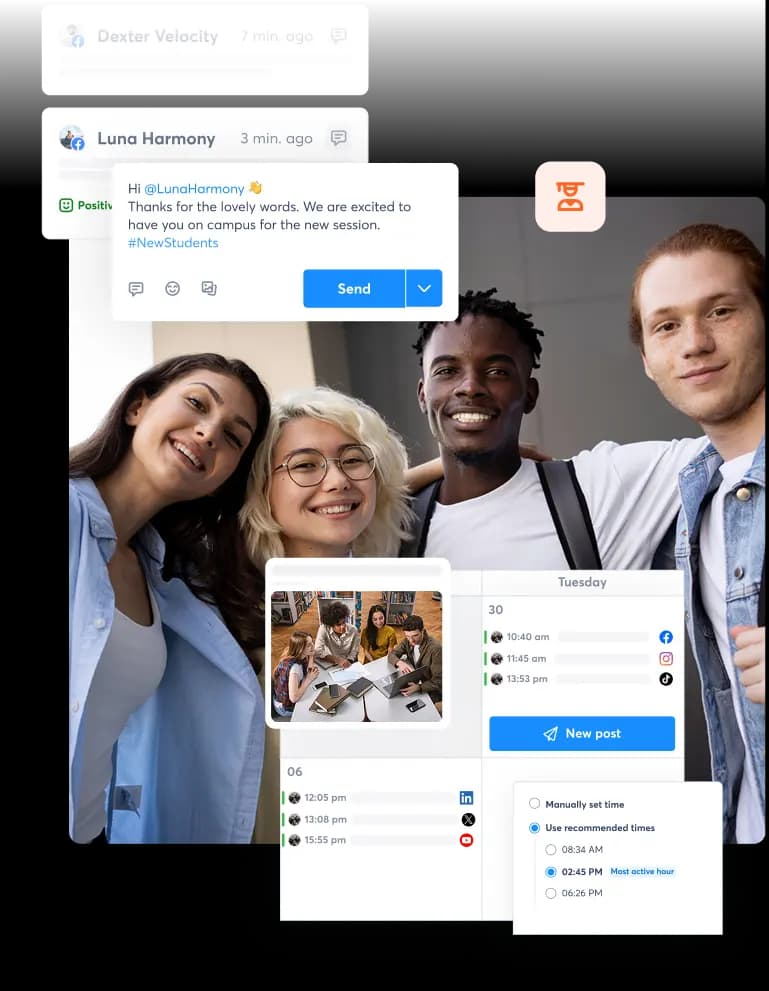
Agorapulse specializes in social inbox management and engagement tracking.
Strengths
- Unified inbox for messages and comments
- Engagement tracking tools
- Moderation features
Use Case for Schools
Best for institutions managing high volumes of messages and needing efficient communication workflows.
7. Sendible
Overview
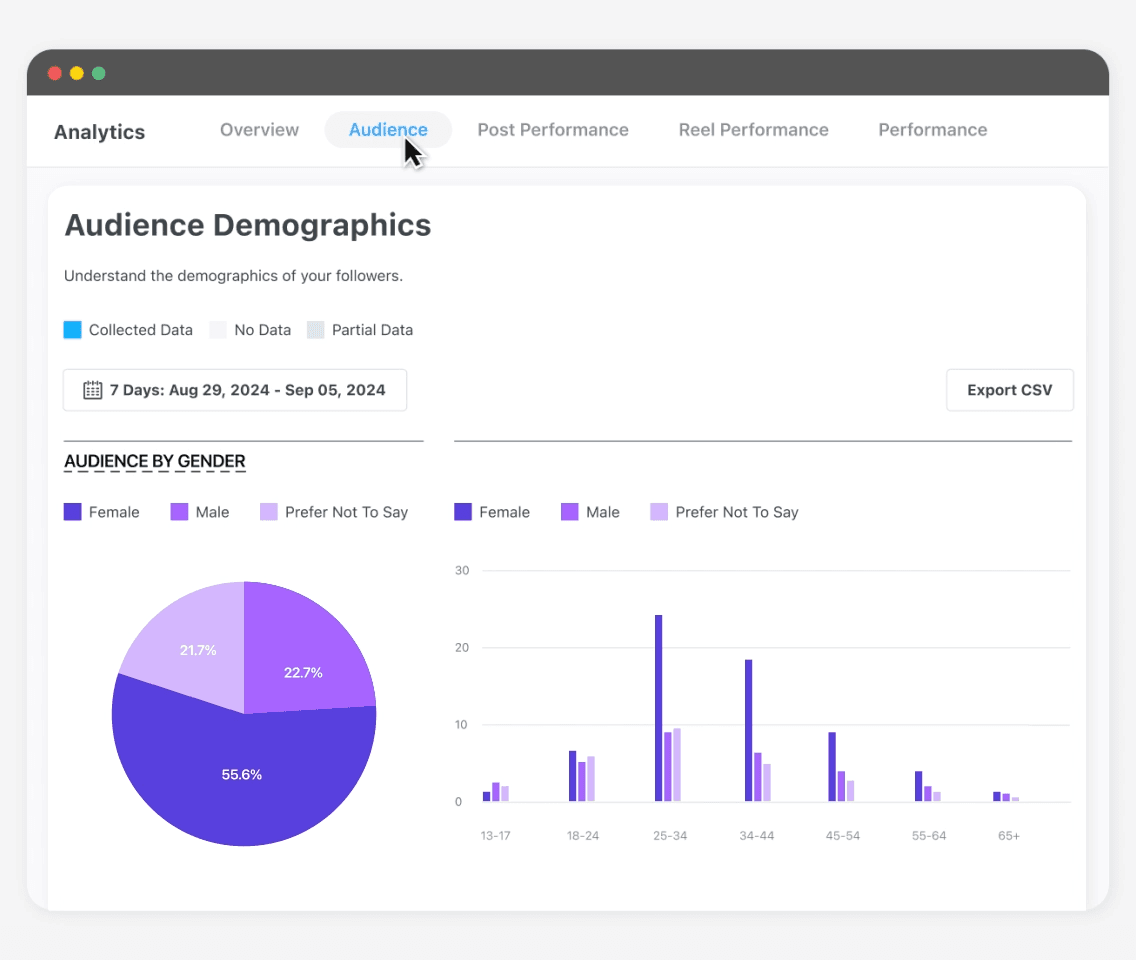
Sendible offers strong reporting capabilities and customization options.
Strengths
- Custom reporting dashboards
- Flexible scheduling tools
- Integration options
Use Case for Schools
A solid choice for education marketing teams that need detailed reporting and campaign tracking.
8. Loomly
Overview
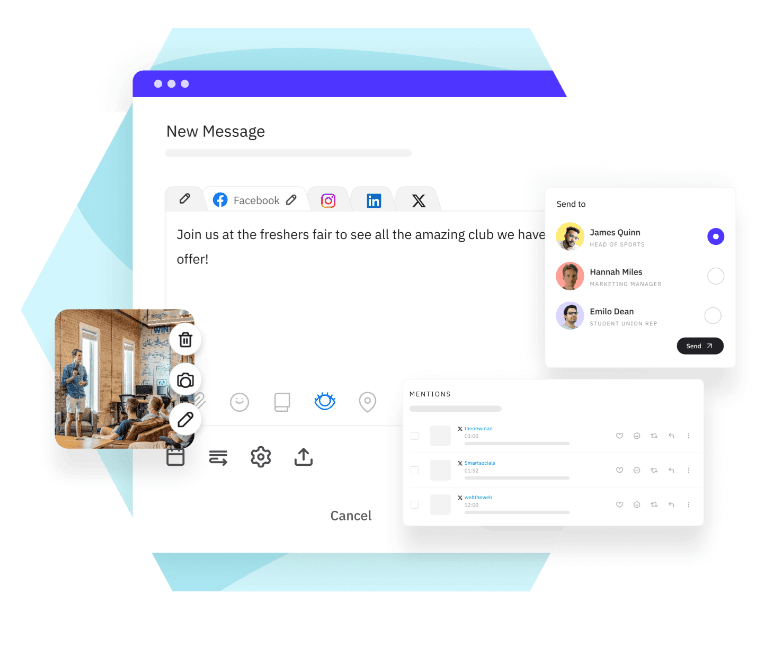
Loomly focuses on collaboration and content creation support.
Strengths
- Content suggestions
- Workflow and approval tools
- Easy team collaboration
Use Case for Schools
Great for collaborative teams working across departments or campuses.
How To Choose The Right Social Media Management Tool For Your School
Choosing the right platform depends on your institution’s needs.
Consider team size
Larger teams may need advanced workflows, while smaller teams benefit from simplicity.
Number of accounts
Schools managing multiple social accounts need centralized dashboards.
Budget constraints
There are tools available for every price range, from affordable to enterprise-level.
Required features
Focus on what matters most, whether that’s analytics, scheduling, or collaboration.
Ease of use
Adoption matters. A tool that’s easy to learn will drive better results.
How CoSchedule Helps Schools Stay Organized And Consistent
CoSchedule stands out by bringing everything into one place.
- Centralized calendar for all departments
- Full visibility into campaigns and schedules
- Streamlined collaboration and approvals
- Consistent publishing across channels
Instead of juggling multiple tools and disconnected workflows, schools can manage everything from a single platform.
Start using CoSchedule to simplify your social media planning and keep your entire team aligned.
Final Thoughts
Social media plays a critical role in how schools communicate, recruit, and engage their communities. But without the right tools, managing multiple accounts and campaigns can quickly become overwhelming.
The right social media management platform helps schools stay organized, maintain consistency, and improve collaboration across departments. Whether you’re a small team or a large university, choosing the right tool can directly impact your ability to connect with students and grow your institution.
FAQ
What are the best social media management tools for schools?
Top options include CoSchedule, Hootsuite, Buffer, Sprout Social, Later, Agorapulse, Sendible, and Loomly.
Why do schools need social media management tools?
They improve efficiency, ensure consistent messaging, and make collaboration across departments easier.
What features should schools look for in social media tools?
Key features include a content calendar, collaboration tools, scheduling, analytics, and integrations.
Are there affordable social media tools for schools?
Yes, platforms like Buffer and others offer budget-friendly options for smaller teams.
How can schools manage multiple social media accounts?
Using tools with centralized dashboards and scheduling capabilities allows teams to manage everything in one place.
What is the best social media scheduler for schools?
CoSchedule is a strong option for scheduling and organizing campaigns, along with other tools depending on your needs.
How do social media tools help with student recruitment?
They increase visibility, support storytelling, and help schools engage with prospective students more effectively.
Can small schools benefit from social media management software?
Yes. Even small teams can save time, stay consistent, and improve their social media presence with the right tool.